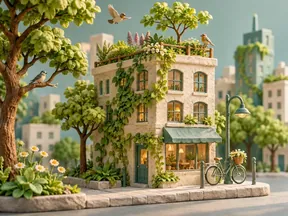
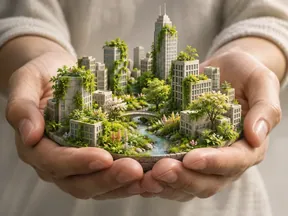
AI Blog Image Generator
Turn article titles, section headings, or image descriptions into blog covers and illustrations.
From article topics to images
Prepare covers for several articles or illustrations for one article’s sections.
- Choose the image useBlog covers default to 16:9 and article illustrations to 4:3.
- Enter titles or descriptionsEnter one article title, section heading, or image description per line.
- Review and generateCheck the image count, credit estimate, and image descriptions.
Create featured images in bulk
Six articles from a sustainable-living calendar, each with its own cover prompt.
CSV to blog images
Jade, amber, and cream tie together six different sustainable-living stories.
| # | article |
|---|---|
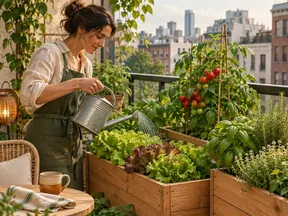
| 01 | A balcony vegetable garden |
| 02 | Refill, reuse, repeat |
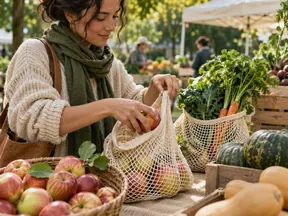
| 03 | Shopping without the waste |
| 04 | A gentler daily commute |
| 05 | Repair before replacing |
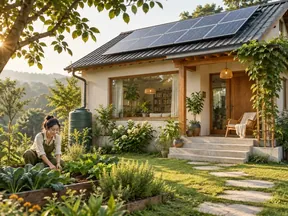
| 06 | Power from the rooftop |
Import reads the prompt column. The CSV includes all six complete cover prompts.
- 01A balcony vegetable garden
- 02Refill, reuse, repeat
- 03Shopping without the waste
- 04A gentler daily commute
- 05Repair before replacing
- 06Power from the rooftop
Illustrate an entire article
Plan images by heading for a long article, or by step for a tutorial.
Section illustrations for H2 and H3
A consistent isometric illustration style links six different scenes from the same remote-work article.
How to work remotely more effectively
- 01H2Create a focus zone
- 02H2Plan the working day
- 03H2Collaborate asynchronously
- 04H2Protect break time
- 05H2Keep a shared knowledge base
- 06H2Finish the day well
- 01Create a focus zone
- 02Plan the working day
- 03Collaborate asynchronously
- 04Protect break time
- 05Keep a shared knowledge base
- 06Finish the day well
How-to step illustrations
Watercolor and pencil give each repotting step a consistent look.
How to repot a pothos
- 01Gather the tools
- 02Prepare drainage
- 03Loosen the root ball
- 04Add fresh potting soil
- 05Set the plant in place
- 06Water and let it settle
Check the sequence, tools, and actions against your actual tutorial before publishing.
- 01Gather the tools
- 02Prepare drainage
- 03Loosen the root ball
- 04Add fresh potting soil
- 05Set the plant in place
- 06Water and let it settle
Explore visual styles and topics
Compare six ways to illustrate one story, then browse templates for your subject.
Featured image creative directions
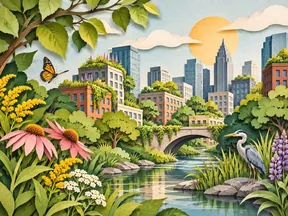
One story about nature returning to the city, with six distinct treatments to compare.
One topic, six prompts about urban biodiversity. Each uses a different medium, from a documentary treatment to surreal art.
- 01Documentary photograph
- 02Paper-cut city
- 03Clay ecosystem
- 04Botanical watercolor
- 05Graphic silhouette
- 06Surreal nature
Browse the template library
Technology & SaaS




Matte ceramic models on a warm ivory background, with cobalt blue and small orange accents.
Business & marketing




Paper-textured gouache in navy, mustard, sage, and terracotta.
Travel
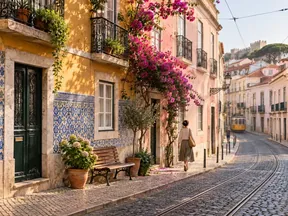
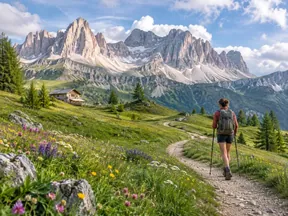

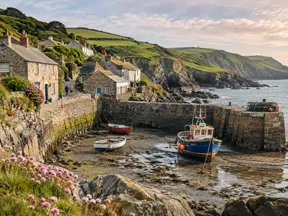
AI-created travel concepts in an editorial photography style. Use them as illustrations and check location details before publication.
Food & recipes

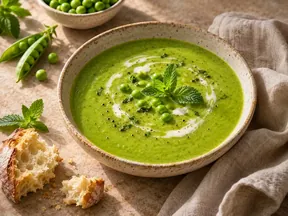
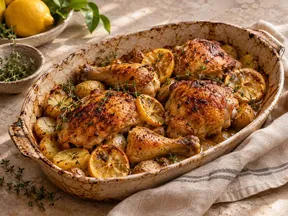
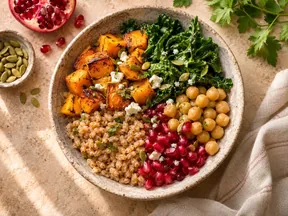
Natural side light, warm surfaces, and detailed food textures.
Education & science
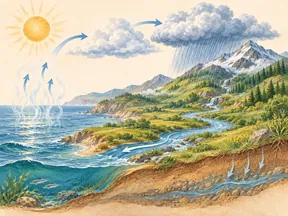
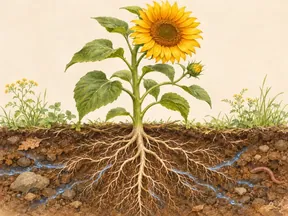
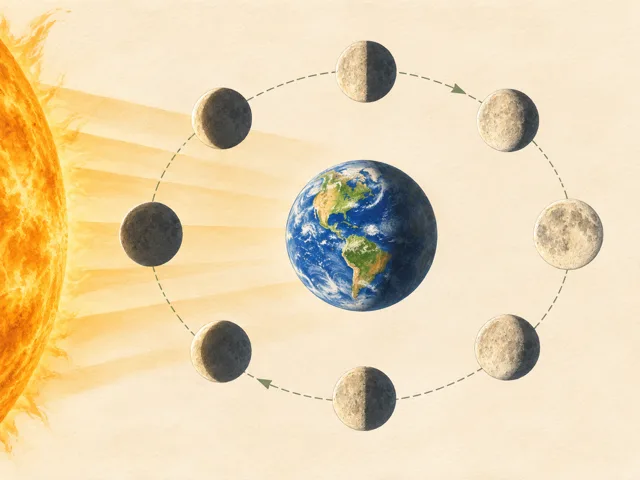
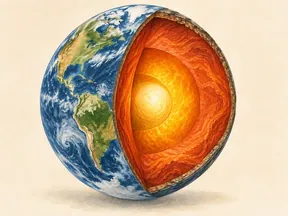
Fine-lined gouache illustrations. Check scientific details, relationships, and any labels before teaching or publishing.
More templates for covers and illustrations



Batch limits and downloads
- Batch capacity
- Up to 200 tasks per batch and 10 images per task.
- Cover and illustration ratios
- Start with 16:9 for a wide cover. Choose a ratio supported by your model that fits the article header or card layout.
- Credit estimate
- Review the batch total before generating. Credits for failed images are returned.
- Images and prompts together
- The ZIP includes images and a prompts.csv that maps output filenames to the original prompts.
Blog and article image FAQs
Can I generate images from article titles in a CSV file?
Write a complete image prompt for each article and put it in the prompt column of your CSV or Excel file. If there is no named prompt column, the importer reads the first column. Keep article titles and other editorial notes in their own columns for your reference.
How many blog images can I generate in one batch?
A batch supports up to 200 image tasks. Each task starts with one prompt and can generate up to 10 images.
How much does a batch of blog images cost?
The cost depends on the model, resolution, number of outputs, and any charges for long prompts or reference images. Confirm the total estimate in the workspace before generating. Credits for failed images are returned.
Can I download images with their corresponding prompts?
Download completed images in a ZIP with prompts.csv. The CSV lists the task number, output filename, and prompt. Include article or section identifiers in your prompts if you want them in the export.
Is an article title enough for a useful blog cover prompt?
A title is a starting point. Add the article’s main point, intended reader, and a concrete scene. For a remote collaboration article, specify asynchronous handoffs or communication across time zones rather than a generic technology office illustration. The image will have a clearer connection to the story.
How can a blog series look cohesive without repeating the same cover?
Keep the palette, rendering style, and level of detail consistent while changing the subject or scene for each article. A suitable brand illustration can also guide the tasks. Compare covers for several different topics side by side to check that they belong together and still distinguish the articles.
How should I batch a cover and several illustrations for one article?
Create a separate prompt for the cover and for each section. Let the cover introduce the article and use the section images to explain specific points. Include article and section identifiers in your prompts to match downloads to your outline.
What size should I use for blog covers and thumbnails?
Check the size and aspect ratio your CMS expects. 16:9 is a useful starting point for wide headers, and you can crop or resize for a specific template. Keep essential subjects near the center, and check the header, card, and mobile crops before publishing.
How do I illustrate abstract topics without repeating robots and light bulbs?
Translate the idea into a concrete relationship or action: ledger pages for reconciliation, or a handoff for collaboration. Give each row one main visual metaphor and an editorial style. Describe unwanted clichés explicitly and avoid squeezing several unrelated concepts into a single illustration.
Can generated charts, diagrams, and interface illustrations be treated as factual?
They can help explore a visual explanation, but models may invent numbers, connections, labels, or interface details. Verify the underlying material and build precise charts or instructions in an appropriate editor. A plausible-looking illustration is not evidence that its contents are accurate.