AI Image Variations from One Photo
Use one reference photo to create versions with different backgrounds, compositions, or styles.
Upload a Reference Image
Prompt examples
Each option adds 3 editable prompts.
One Photo, Multiple Results
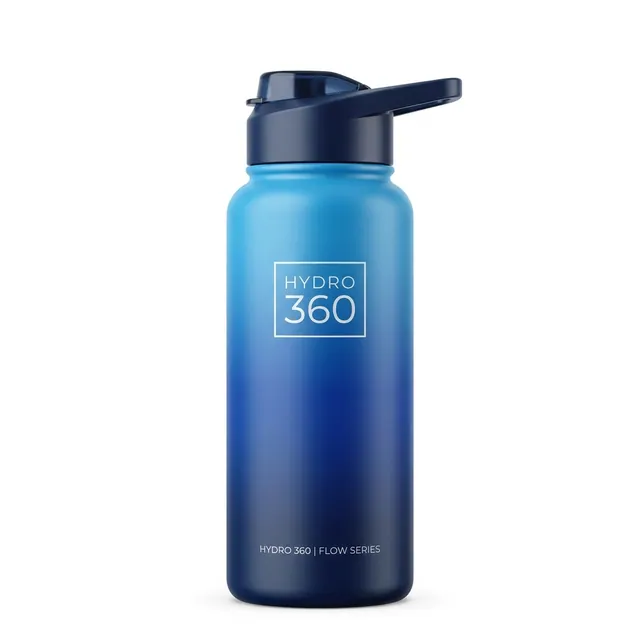
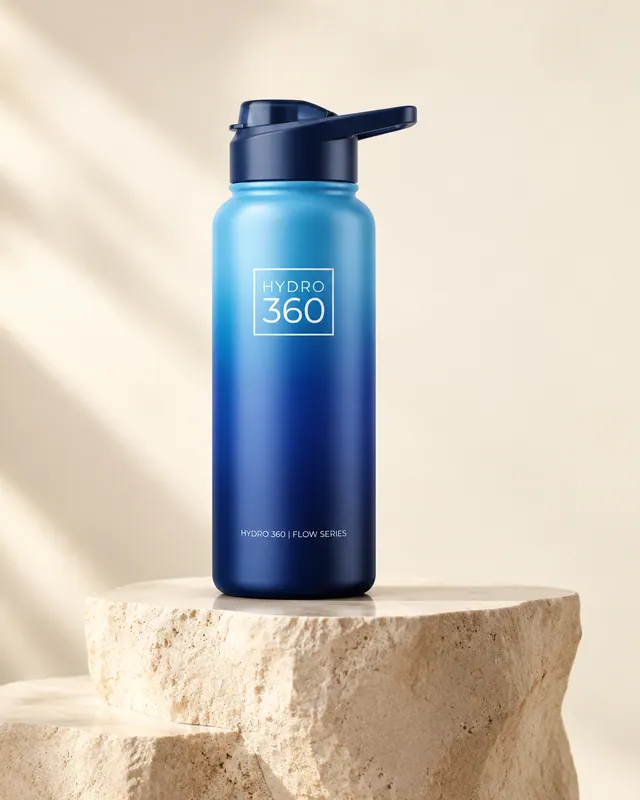
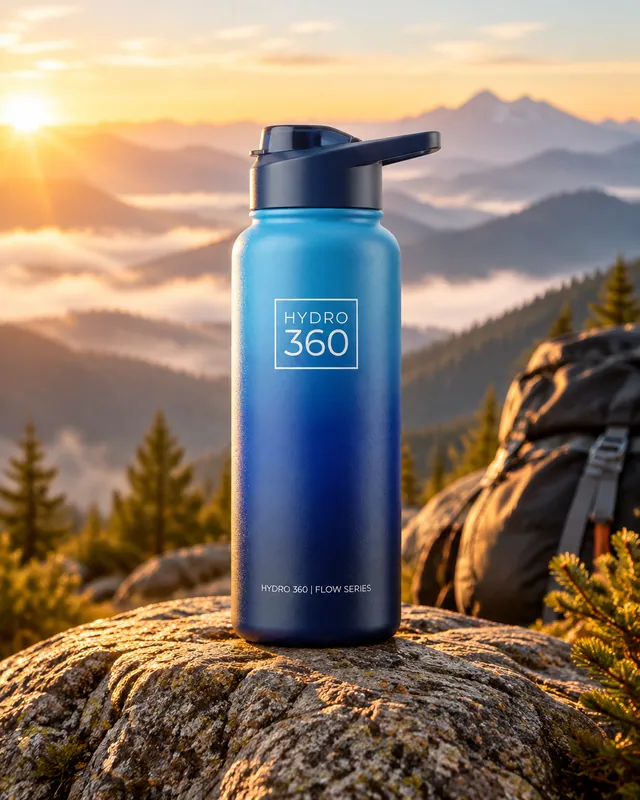
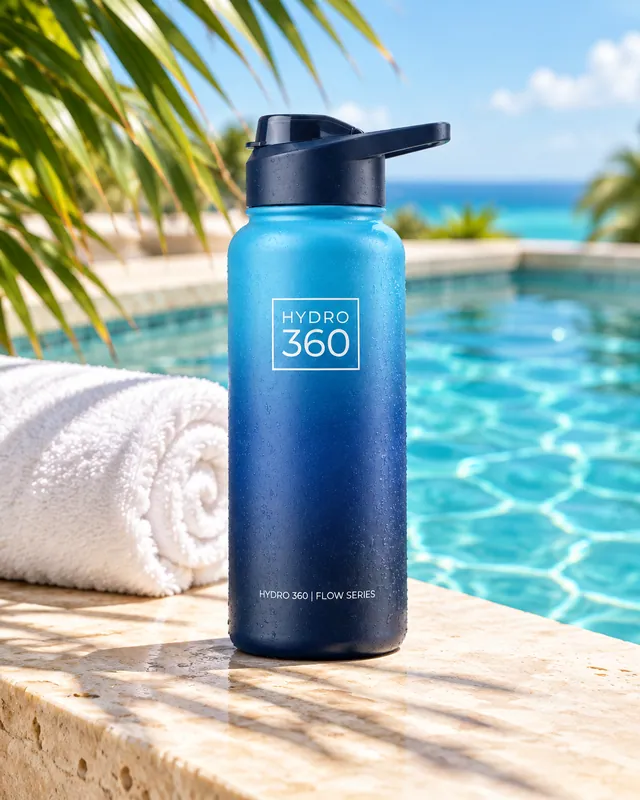
Image variation examples
Ad creative variations
One cookie photo, five advertising concepts.
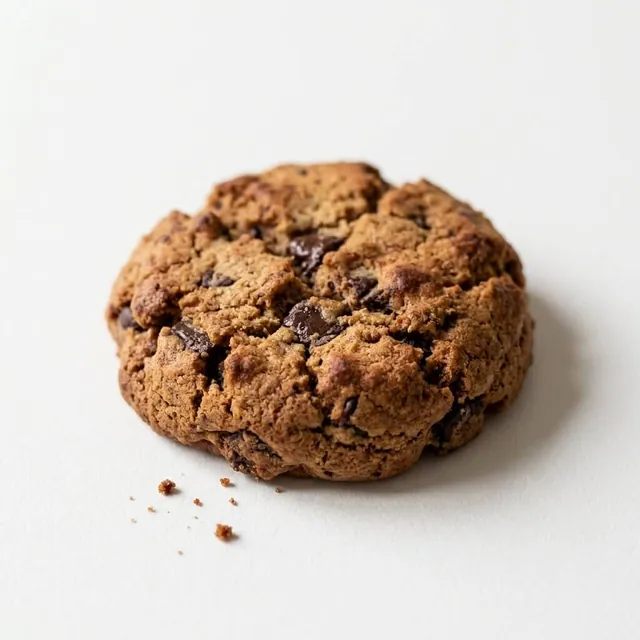
- 01Milk diving
- 02Bakery street party
- 03Pop-art poster
- 04Giant cookie sundae
- 05Space adventure
Social media image variations
One coffee poster, five social media directions.
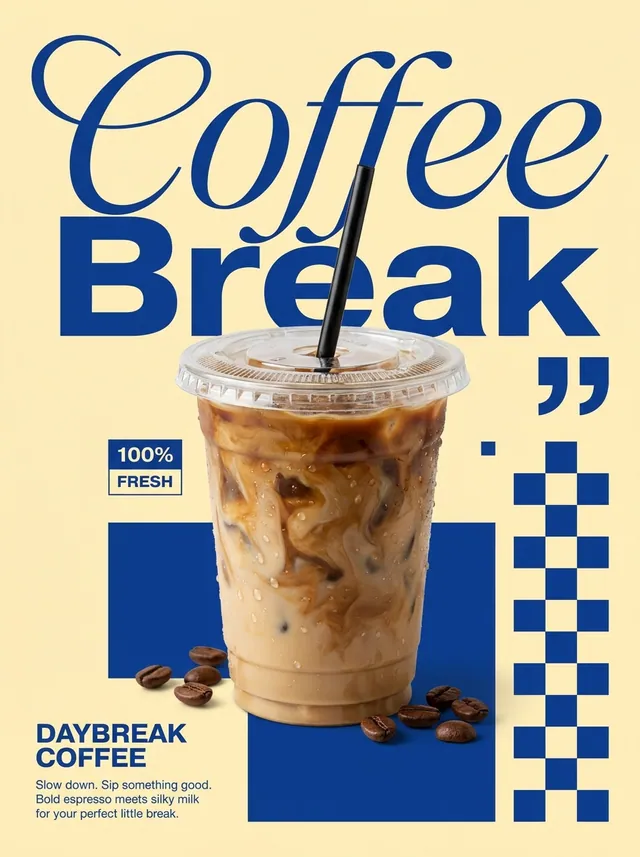
- 01Minimal editorial
- 02Bold graphic design
- 03Cozy café morning
- 04Refreshing summer
- 05Premium studio
Creative design explorations
One event poster, eight distinct design directions.
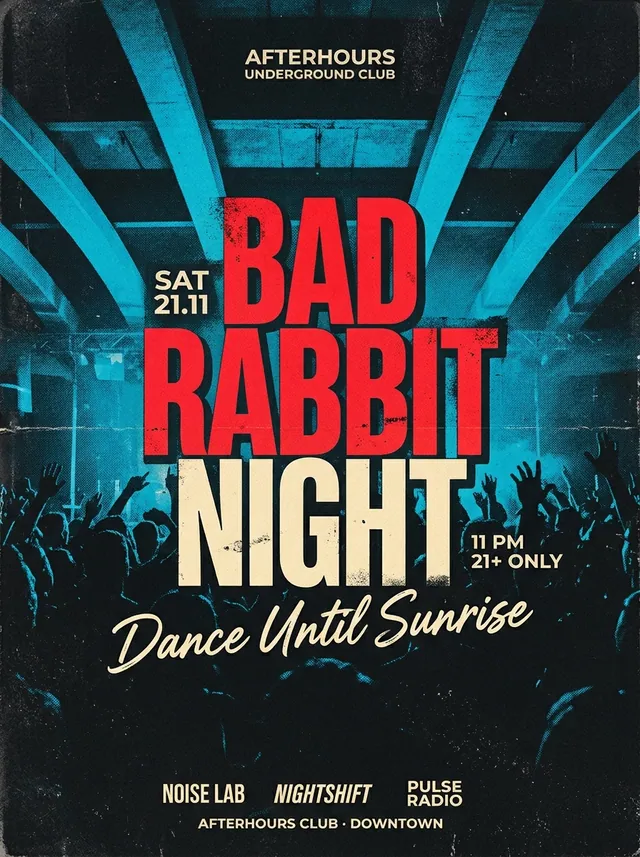
- 01Brutalist neon rave
- 02Swiss typography
- 03Retro synthwave
- 04Luxury editorial
- 05Grunge collage
- 06Electronic music festival
- 07Y2K chrome
- 08Bold pop graphics
More image variation examples
YouTube thumbnail test variations
One podcast thumbnail, three creative directions to test.
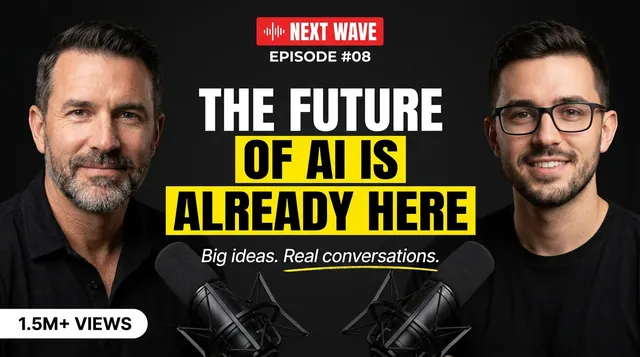
- 01Debate and curiosity
- 02Bold visual impact
- 03Cinematic future
Product scene variations
One water bottle, ten product photography scenes.
- 01Limestone studio
- 02Water splash
- 03Gym workout
- 04Mountain sunrise
- 05Urban commute
- 06Bright home office
- 07Poolside summer
- 08Geometric campaign
- 09City at night
- 10Everyday carry
How Image Variations Work
Upload one photo
Use this photo as the reference for every version.
Describe each variation
Try a different background, angle, or style in each prompt.
Generate and compare
Review the credits, then generate and download the versions you like.
Frequently asked questions
What is an AI image variation?
Use one reference photo and a different prompt for each version. Each prompt runs as a separate task in the same batch.
Can I create different backgrounds from one photo?
Yes. Upload one photo and describe a different setting on each line, such as a daylight studio, an outdoor scene or a café. The model may also change parts of the subject, so inspect each result before using it.
Will the original product or person look the same?
Name the details you want to keep, such as logos, text or facial features. Compare each result with the original before publishing.
Can I enter a different prompt for each variation?
Enter one direction per line. Each line uses the same reference and can be edited or retried separately in the workspace.
Can I generate multiple results for each prompt?
Yes. Choose up to 10 images per prompt. Three prompts with two images each produce six output images. The displayed quantity and credit estimate update with your selection.
Do all variations use the same reference image?
Yes. This page requires one shared reference, which is attached to each variation task. To work with several original photos, use batch photo editing. To generate without a reference, use the multiple-prompts page.
How many variations can I generate in one batch?
Use up to 200 prompts per batch and 10 images per prompt. Up to 15 images run at once, and the rest wait in the queue.
How are image variations priced?
Credits depend on the model, resolution, prompt length and reference images. Check the estimate before confirming generation. Credits are reserved when you start; failed images and tasks canceled before submission are refunded. Already-submitted images continue and are charged if they succeed.