AI Storyboard Generator for Video & Film
Generate storyboard frames from ordered shot descriptions and reuse visual references across the sequence.
Describe your shots
- Shot 01
Shared references Optional
From shot list to storyboard
Describe the subject, framing, and action of each shot.
View the storyboard template- Prepare one prompt for each numbered shot.
- Review each still in sequence before moving to video production.
Tell a story in five shots
Five prompts turn a watch repair shop scene into a storyboard.
Short film storyboards
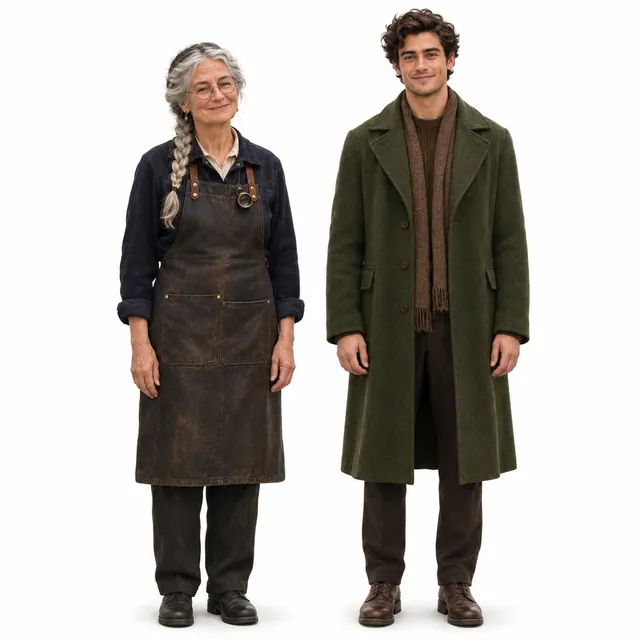
Reuse one cast reference for five shots of a watchmaker’s small act of kindness.
Watch repair shot list
| Shot | Camera | Scene action |
|---|---|---|
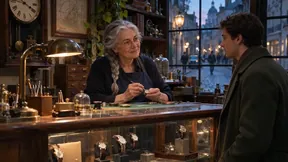
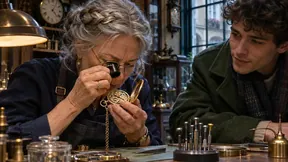
| 01 | Establishing wide | The elderly watchmaker meets the young man across the counter at dusk. |
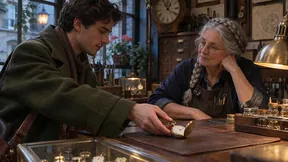
| 02 | Medium | The young man sets a scratched brass pocket watch on the counter. |
| 03 | Macro | The watchmaker examines the movement through a loupe. |
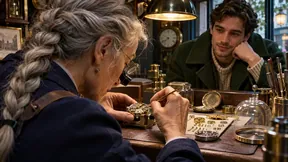
| 04 | Over the shoulder | She adjusts the watch at the lit workbench. |
| 05 | Wide | The customer walks away with the watch as the shop glows behind him. |
- 01The repair shop
- 02A broken keepsake
- 03Careful inspection
- 04One final adjustment
- 05Time moves on
Commercial storyboards
A portable lantern presented through six distinct commercial shots.
Six prompts describe the portable lantern across product details and scenes of use.
- 01A quiet room
- 02The tactile detail
- 03Switching on
- 04Out to the terrace
- 05An evening together
- 06The closing hero
Brand film storyboards
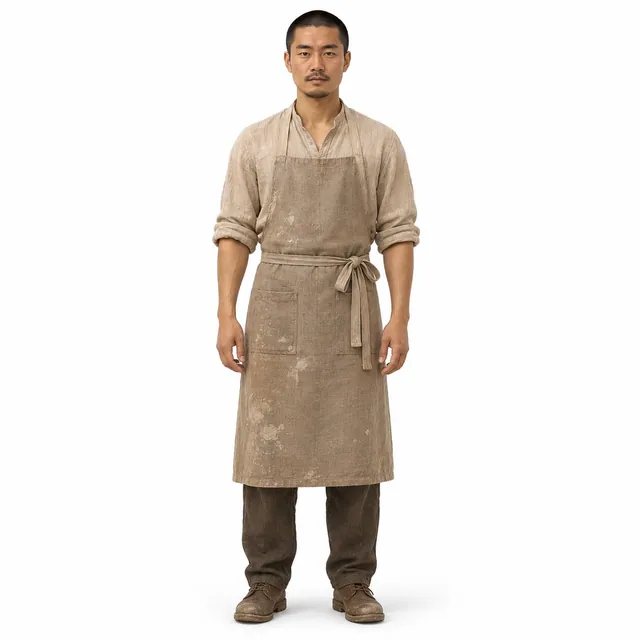
Use the ceramicist reference for five brand-film shots from raw clay to a finished cup.
- 01Raw material
- 02Surface and glaze
- 03Opening the kiln
- 04The finished collection
- 05A cup in everyday life
Music video storyboards
Use one dancer reference for five music-video shots from twilight to sunrise.
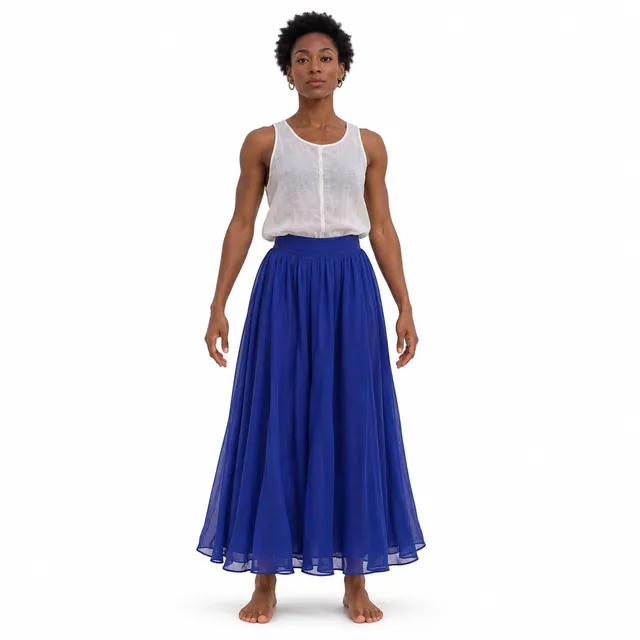
- 01Before the first note
- 02A reflected rhythm
- 03Under the moon
- 04The pause
- 05The last beat
Animated short storyboards
Use one fox character reference for five animated shots about repairing a forest lantern.
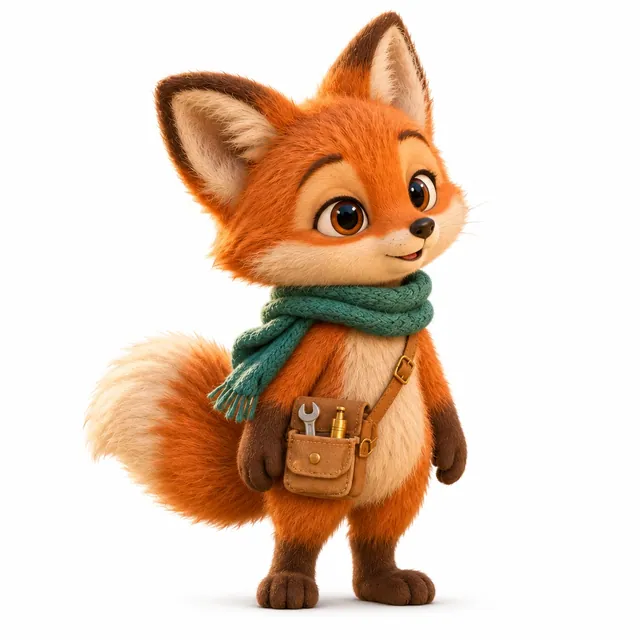
- 01A dark forest path
- 02Finding the missing piece
- 03Careful repairs
- 04A warm glow
- 05The path is bright
Keep a character consistent across shots
Follow a lost concert ticket through seven vertical shots.
Short-form story visuals
Reuse one cast reference for seven vertical shots about a violinist and a lost concert ticket.
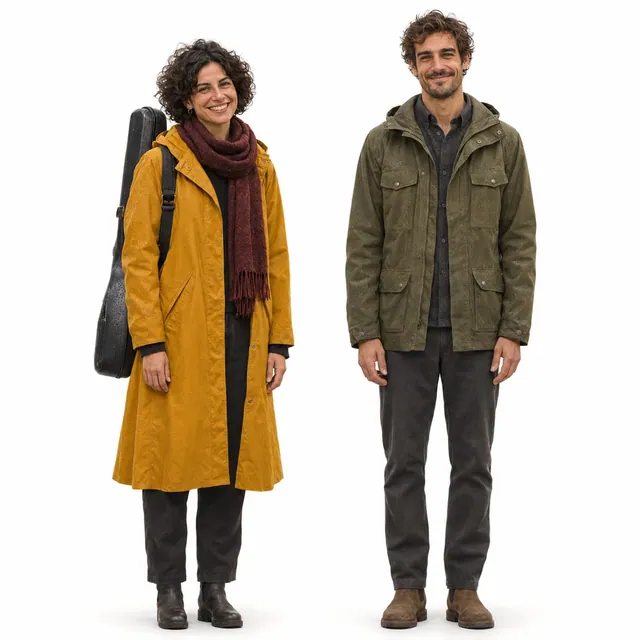
- 01A hurried morning
- 02The ticket falls
- 03A stranger notices
- 04Following the music
- 05Returning the ticket
- 06An evening audience
- 07The final bow
Documentary scene illustrations
Use the postal carrier reference to generate five shots along a fictional 1910 coastal mail route.
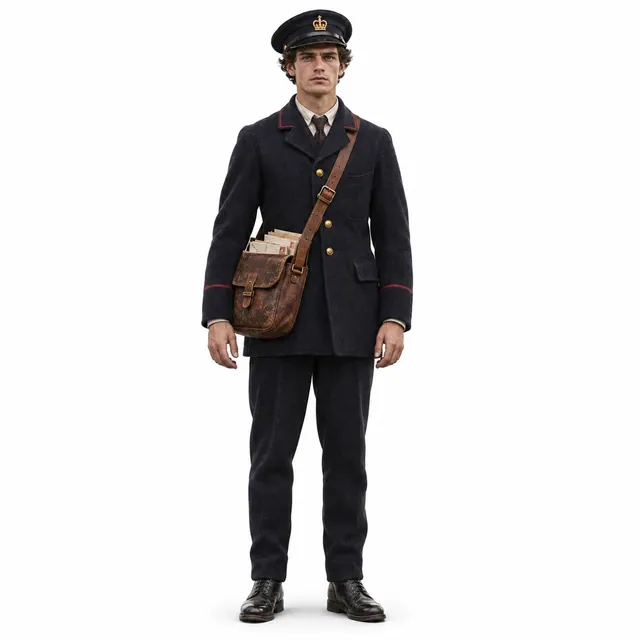
- 01Harbor before the mail
- 02Sorting the letters
- 03Across the headland
- 04A letter delivered
- 05The evening ledger
Children’s story scenes
Use one otter character reference for five storybook scenes about a glowing seed.

- 01Carrying the seed
- 02A place to grow
- 03A passing storm
- 04A flower opens
- 05Sharing the light
Educational video scenes
Reuse one teacher-and-pupils cast reference for five illustrations about planting and growing a bean.

- 01Planting the bean
- 02Watering gently
- 03The first sprout
- 04Recording growth
- 05A thriving plant
- What to specify
- Repeat recognizable features, clothing, and who does what. Change the action or the camera setup for the next shot.
- What to check between frames
- Appearance can vary between generations. Compare faces, costumes, props, and lighting, and confirm who stands where in two-person shots.
Plan shots and reference frames
Explore camera angles, opening frames, and visual references before animating.
Camera angle variations
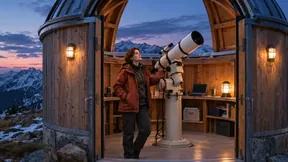
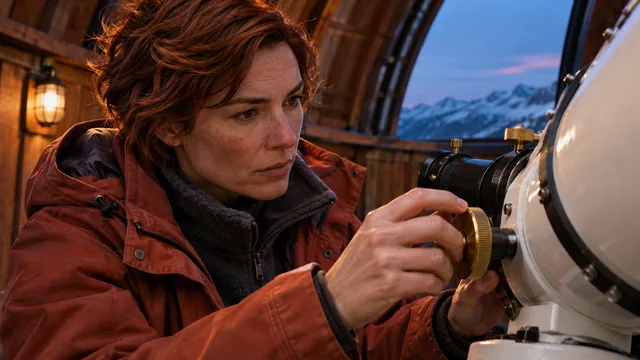
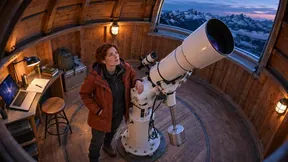
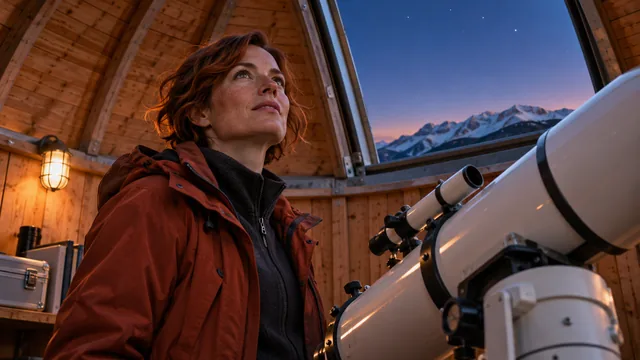
Use one scientist reference to explore six camera angles in the observatory.
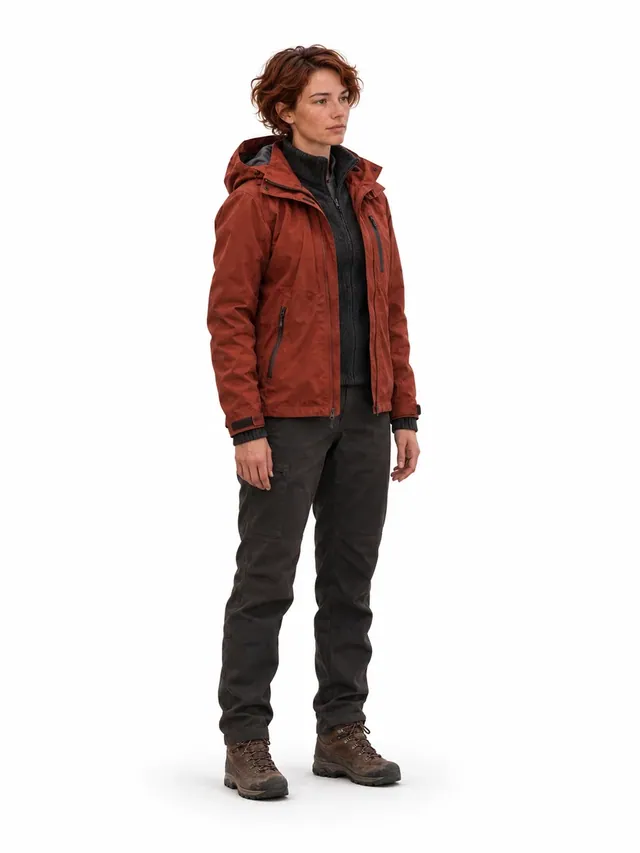
- 01Wide establishing shot
- 02Close-up detail
- 03High-angle view
- 04Low-angle view
- 05Over the shoulder
- 06Medium eye-level shot
AI video keyframes
Six standalone starting frames for a future-city delivery story.
Six prompts describe starting moments for different shots in a delivery story.
- 01Leaving the workshop
- 02Canal-side route
- 03A bridge crossing
- 04The market entrance
- 05Rooftop garden delivery
- 06Returning at blue hour
Character & scene references
Use the cartographer character reference for six clothing, mapping-tool and coastal-scene shots.
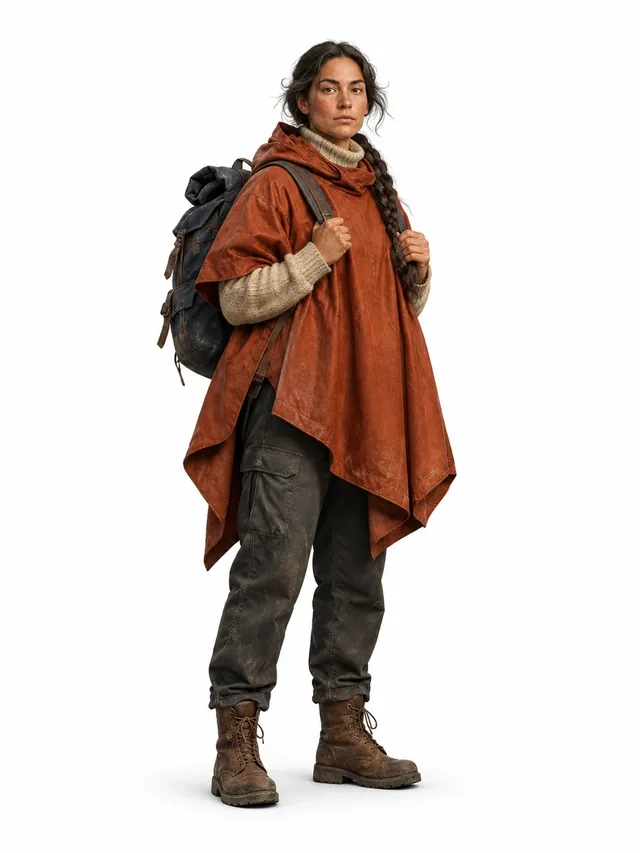
- 01Field clothing detail
- 02The mapping tools
- 03The coastal workshop
- 04The survey boat
- 05The headland setting
- 06Surveying the headland
Images for YouTube narration
Give each part of your narration its own image.
Explainer video illustrations
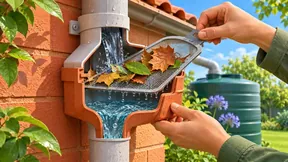
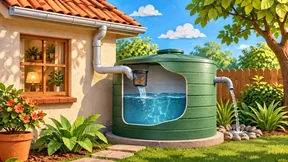
Six clear visuals explaining a city’s rainwater journey.
Six prompts follow rainwater from a roof to a neighborhood garden.
- 01Rain on the roof
- 02A leaf filter
- 03Water in storage
- 04Watering the garden
- 05The rain garden
- 06A resilient neighborhood
Horror story visuals
Six atmospheric images for a lighthouse mystery, without gore.
Six individually written shots lead the viewer through a lighthouse mystery.
- 01The isolated lighthouse
- 02An open door
- 03The stopped clock
- 04Light upstairs
- 05A shadow through glass
- 06Dawn reveals the clue
Podcast visual storytelling
Visual chapter images for an audio story about a disappearing train route.
One still-image prompt for each of six chapters about a fading rail route.
- 01The last timetable
- 02The conductor’s hands
- 03Life along the tracks
- 04Memories in a carriage
- 05The empty platform
- 06A farewell journey
Storyboard formats and export
- 16:9 · Film & YouTube
- Start here for widescreen storyboards, commercials, and horizontal video.
- 9:16 · Shorts & Reels
- Use vertical framing for mobile stories. Templates load their saved aspect ratio.
- Review before generating
- Check the shot order, ratio, and estimated credits. Retry individual frames as needed.
- Download frames and prompts
- The batch ZIP includes still images and a prompts.csv with task numbers, filenames, and their prompts.
Storyboard FAQs
Can I paste a complete script to create storyboards automatically?
Prepare one complete image prompt for each shot. Include the camera angle, action, and any continuity details. Paste one prompt per line or import a CSV or Excel file with a prompt column.
What aspect ratio should I use for YouTube or vertical video?
Use 16:9 for widescreen and 9:16 for vertical Shorts and Reels. The landing form sets one ratio for the batch. In the workspace you can set a different ratio for an individual shot when the model supports it.
How much does it cost to generate a storyboard sequence?
The cost depends on the model, resolution, output count, and any charges for long prompts or references. Check the batch credit estimate before confirming generation.
How are shot numbers matched to downloaded frames?
Download the completed frames in a ZIP. Open prompts.csv to find each task number, output filename, and prompt. For a start/end pair, include the same shot ID and the words Start or End in the two prompts so you can find them together.
How do I keep the same character across storyboard frames?
Start with a clear character reference and reuse it across the shots. Keep facial features, hair, and clothing descriptions stable while changing the action, framing, or setting in each row. References help, but profiles, occlusion, and extreme lighting can still cause drift, so review every frame.
How do I maintain clothing, props, and location continuity between shots?
Prepare a short continuity list covering clothing colors, which hand holds a prop, prop appearance, time of day, and key location details. Repeat the relevant constraints in each shot and specify intentional changes separately. Review against that list rather than checking only whether the face looks similar.
How do I get varied shot sizes instead of repeating one composition?
Describe one shot per row, with a shot size, camera angle, subject position, and one main action. Separate the establishing wide shot, reaction close-up, and prop detail. Avoid asking a single prompt to show several camera setups or a sequence of actions at once.
Should I generate a six-panel sheet to deliver six ordered shots?
Use one task per shot with a shot number and narrative description so you can select and revise frames individually. A generated six-panel sheet may have incorrect panel counts, ordering, or divisions. Download the separate frames and arrange them in a storyboard layout when needed.
How can I reduce character swaps in two-person dialogue shots?
Give each person distinct appearance and clothing descriptions, with relevant character references. State who is on each side, who faces the camera, and whose reaction the shot shows. Validate a simple two-person medium shot before expanding to close-ups and reverse angles; identity and placement still need review.
Will the storyboard automatically become a video with motion and sound?
The storyboard workflow gives you individual still images for shot planning. Download the frames and use a video editor or generation tool to add motion, sound, dialogue, and transitions.