AI Game Asset & Icon Generator
Build matching game asset packs with RPG icons, props, and character variations.
Make a matching set of game assets
Keep the same palette, angle, and rendering style. Change the item in each prompt.
Shared art direction in these promptsCentered icons with clear silhouettes and detailed materials.
RPG inventory icons
6 prompts · 1:1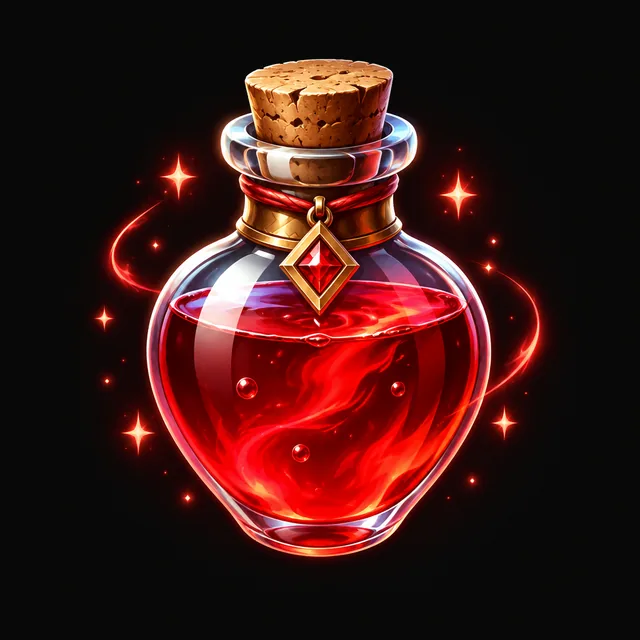 Health potion
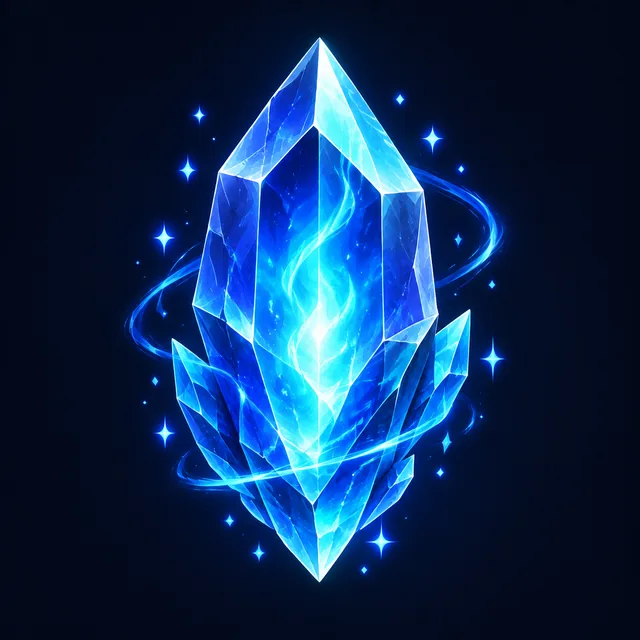 Magic crystal
 Treasure chest
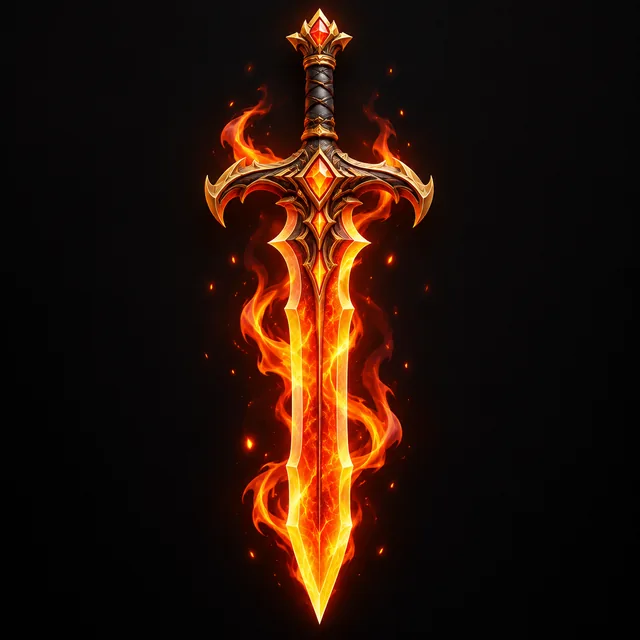 Fire sword
 Fantasy shield
 Magic scroll
RPG inventory icons
Create matching icons for weapons, gear, consumables, and crafting materials.
Weapon icons
Repeat the three-quarter view, hand-painted metal and leather, crisp silhouettes, and deep charcoal background for all six weapons.
Text-to-image batch. Each task starts with its own prompt.
- 01Crystal longsword
- 02Battle axe
- 03Recurve bow
- 04Mage staff
- 05Moon dagger
- 06Rune warhammer
Equipment icons
Use the same three-quarter view and painted steel and leather finish across the six adventurer items.
Text-to-image batch. Each task starts with its own prompt.
- 01Knight helmet
- 02Leather breastplate
- 03Traveler boots
- 04Sapphire ring
- 05Steel pauldrons
- 06Ranger gloves
Potions & consumables
Keep the highlights, centered composition, and charcoal background consistent across medicine, magic, and travel items.
Text-to-image batch. Each task starts with its own prompt.
- 01Health potion
- 02Mana potion
- 03Spell scroll
- 04Travel ration
- 05Healing herbs
- 06Energy elixir
Crafting materials
Keep the same painted materials and clear outlines as the subject changes from one crafting resource to the next.
Text-to-image batch. Each task starts with its own prompt.
- 01Hardwood bundle
- 02Copper ore
- 03Amethyst crystal
- 04Moonleaf sprig
- 05Cured leather
- 06Iron ingots
Characters and monsters
Browse full-body sprites, NPC portraits, and monsters, or try new outfits from one character reference.
2D character designs & static sprites
Six full-body stills in one standing pose style. Use the cutouts for character design or prepare separate frames for animation.
Text-to-image batch. Each task starts with its own prompt.
- 01Frontier warrior
- 02Woodland archer
- 03Traveling mage
- 04Village blacksmith
- 05Field worker
- 06Herbal healer
NPC portraits
Frame each villager from the chest up with consistent brushwork and warm key lighting.
Text-to-image batch. Each task starts with its own prompt.
- 01Traveling merchant
- 02Village elder
- 03Town knight
- 04Archive scholar
- 05Innkeeper
- 06Mountain traveler
Monsters & enemies
Use a readable full-body silhouette and the same three-quarter view for different creature shapes.
Text-to-image batch. Each task starts with its own prompt.
- 01Emerald slime
- 02Skeleton guard
- 03Mischievous goblin
- 04Moss golem
- 05Forest spider
- 06Young copper dragon
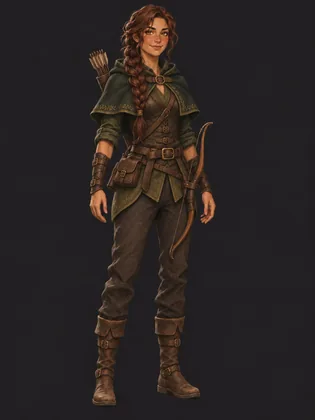
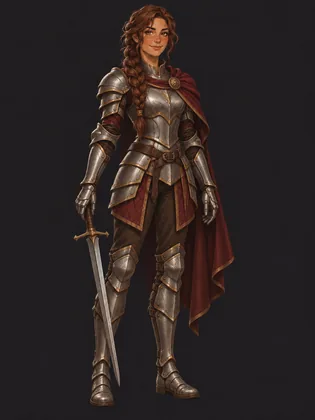
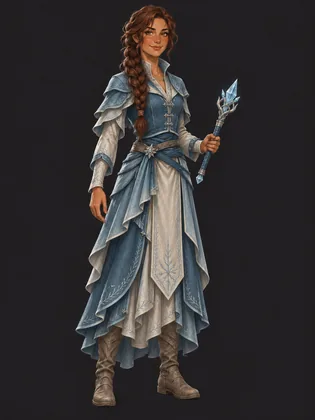
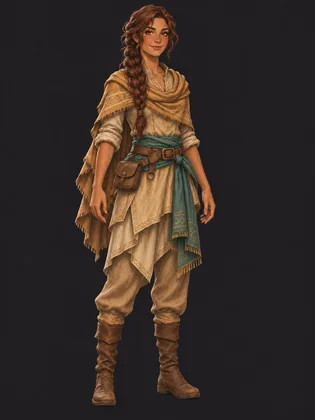
Character skins & costumes
One character reference, six costumes and class variations.
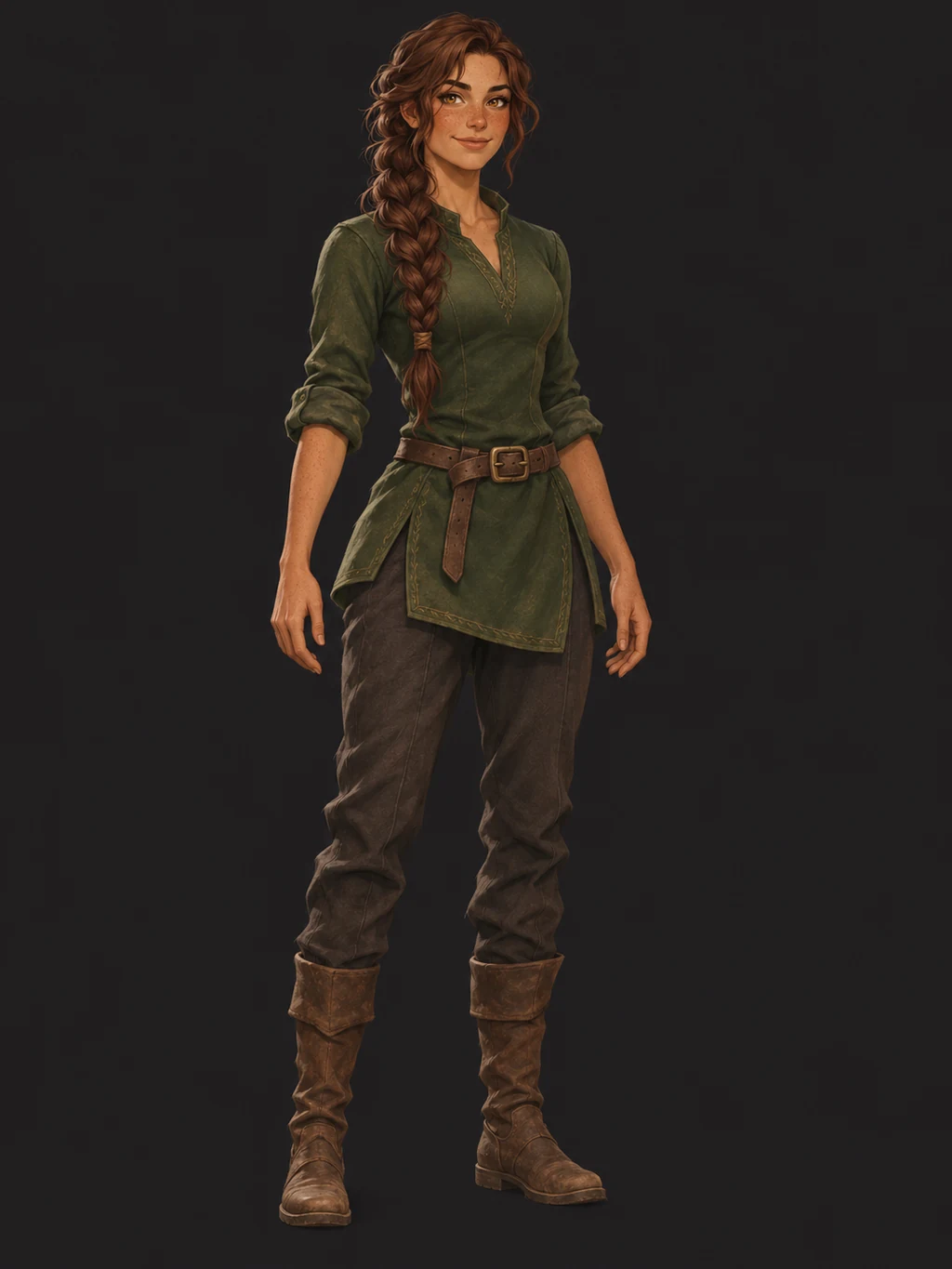
- 01Guild scout
- 02Silver knight
- 03Frost mage
- 04Desert traveler
- 05Sky captain
- 06Forest druid
Environments and props
Create isometric buildings, scene props, and widescreen level backgrounds.
Isometric buildings
Use the same orthographic isometric view, 30-degree axes, warm light, and wood-and-stone palette for six separate buildings.
Text-to-image batch. Each task starts with its own prompt.
- 01Herbalist cottage
- 02Blacksmith forge
- 03Village tavern
- 04Watchtower
- 05Hill windmill
- 06Castle gateway
Environment props
Give each standalone prop the same slightly elevated camera and warm natural light.
Text-to-image batch. Each task starts with its own prompt.
- 01Oak barrel
- 02Shipping crate
- 03Village streetlamp
- 04Garden fence
- 05Mossy boulder
- 06Ancient oak
Game level background concepts
Prepare one wide concept image per biome. Create parallax layers or seamless tiles separately in your editor.
Text-to-image batch. Each task starts with its own prompt.
- 01Emerald forest
- 02Dune passage
- 03Forgotten dungeon
- 04Snowbound summit
- 05Sunken ruins
- 06Lava cavern
Game UI and card art
Create interface artwork and individual card illustrations for your game.
Game UI artwork
Use the same aged brass, slate, and parchment treatment. Slice and set up controls in your game editor.
Text-to-image batch. Each task starts with its own prompt.
- 01Primary action button
- 02Inventory panel
- 03Dialogue panel
- 04Health bar
- 05Rare item slot
- 06Direction pad
Card game illustrations
Generate one illustration per card. Add the frame, text, stats, and print layout in your design tool.
Text-to-image batch. Each task starts with its own prompt.
- 01Storm dragon
- 02Dawn guardian
- 03Moonlit sorceress
- 04Whispering forest
- 05Ancient clockwork
- 06Tide spirit
Preparing game images for export
- Raster formats and alpha
- Static downloads use the returned PNG, JPEG, or WebP format. Check alpha in your image editor and remove any solid background when you need an isolated asset.
- Ratios by asset type
- Use 1:1 for inventory icons, 3:4 for character art, 16:9 for level backgrounds, and 2:3 for the card template.
- Prepare for your game
- Check icon edges at target size. Align character frames for animation, slice interface artwork, and assemble background layers or tiles in an editor.
- Separate files, shared ZIP
- Download completed images individually or export a ZIP with prompts.csv to match each filename to its task and prompt.
Game asset and icon FAQs
Can I generate game icons with transparent backgrounds?
You can request an isolated asset and inspect the result’s alpha channel. The weapon samples have a painted background, while the building and UI samples show real alpha on a checkerboard. The generated background depends on the model and output. Use a background-removal editor when a solid background needs to be removed.
Can I download each asset as a separate image?
Each completed result is a separate raster image. Download it individually or export the selected results as a ZIP. The included prompts.csv lists the task number, output filename, and its prompt.
How much does it cost to generate a batch of game assets?
Cost depends on the model, resolution, and output count. Additional references or long prompts may increase it. Review the estimated batch credits before confirming generation.
How do weapons, monsters, and buildings keep one game’s art direction?
Define a shared palette, outline treatment, material rendering, and light direction, supported by a representative art reference. Describe subjects separately by asset type. Review a small cross-category set together, comparing line weight, detail density, and proportions rather than judging the style of each image in isolation.
How do I keep inventory icons readable at small sizes?
Ask for one subject, a clear silhouette, strong value separation, and a simple background. Avoid tiny ornamentation and several objects in one icon. Preview at the actual in-game size, such as 32 or 64 pixels, then simplify or retouch any details that become unreadable.
How do I avoid isometric assets when my game needs front or top-down views?
Specify front, side, orthographic top-down, or isometric view explicitly, using references with the same perspective where possible. Avoid conflicting camera instructions. Test portraits, character stills, and environment props separately, checking ground contact and perspective before expanding the asset set.
Does a character still automatically provide a usable walk cycle or sprite sheet?
This workflow supports character designs, expressions, and individual action frames. It does not automatically align frames, time an animation, or slice an atlas. For a usable animation, standardize the canvas, anchor point, and anatomy, then correct the frames and package them in an animation or pixel editor.
Can game UI, frames, and skill icons be exported as editable vectors or layers?
The outputs are raster images. Asking for a vector look does not create an SVG, separate layers, nine-slice regions, or engine configuration. Use the images as artwork or design drafts, then trace, slice, and configure them as required by your project.
Are generated level backgrounds and terrain tiles automatically seamless?
A standalone background and a repeatable terrain tile have different requirements. A seamless prompt does not guarantee matching edges. Define the grid and perspective, test repeated tiles in an editor, and check seams, corners, and transitions. Edge cleanup may be needed before the artwork becomes a usable tileset.