Bulk AI Images for Ads & Social Media
Create ad concepts, branded social visuals, and creative variations in batches. Start with prompts or one original image.
Brand style Optional
Upload one original image
Start with prompts or a photo
One prompt per idea
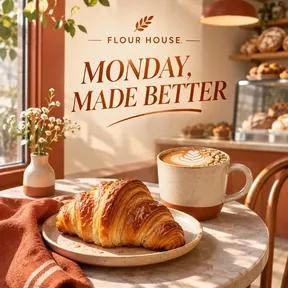
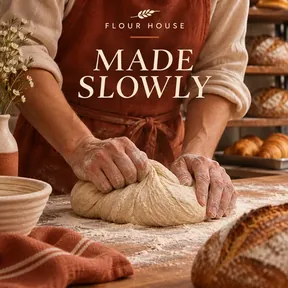
Turn each post topic or ad concept into its own image task.
- Monday ritual
- Behind the scenes
- Product spotlight
- A useful tip
- Weekend mood
- Sunday brunch
One photo, different ad concepts
Reuse one photo to test different selling points or compositions.
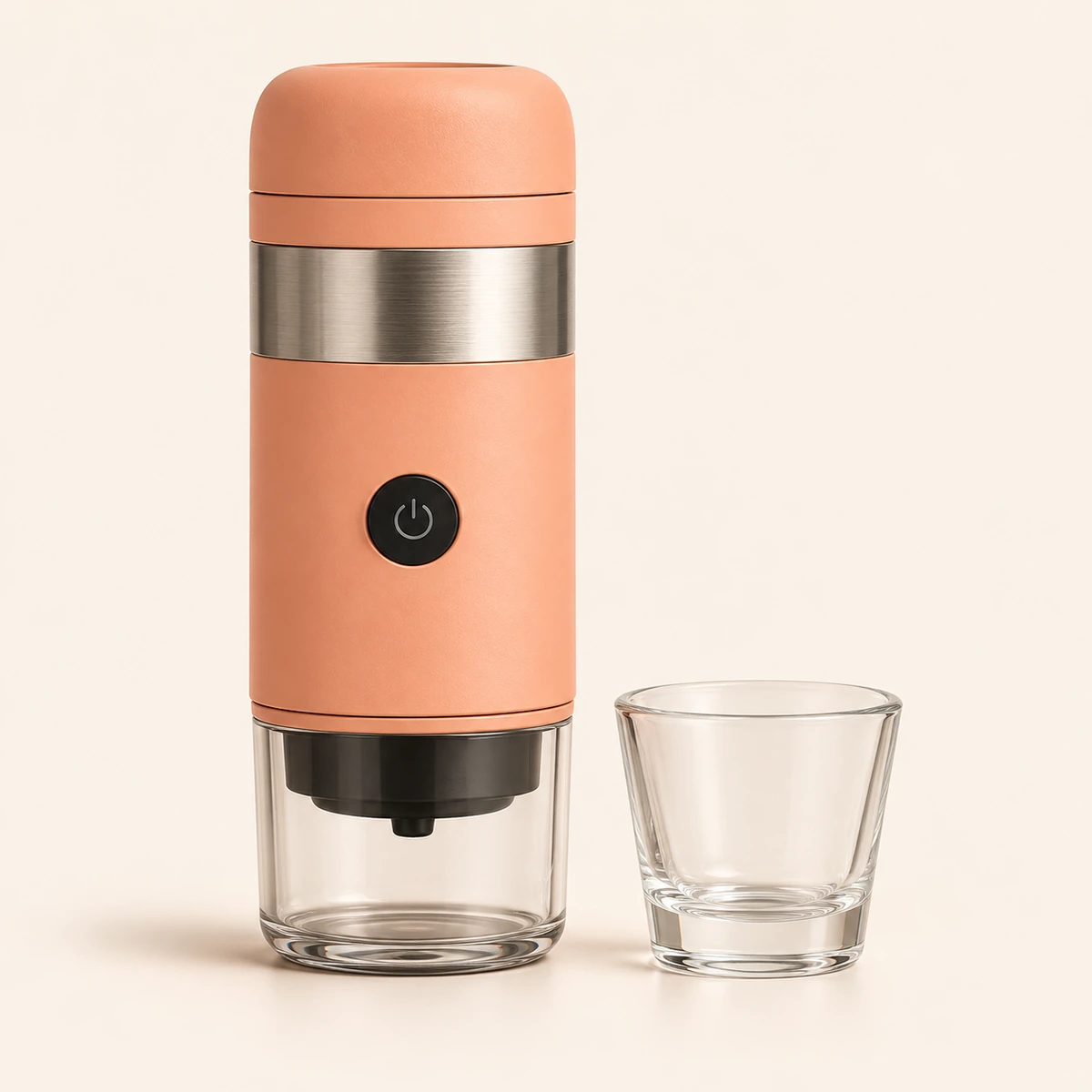
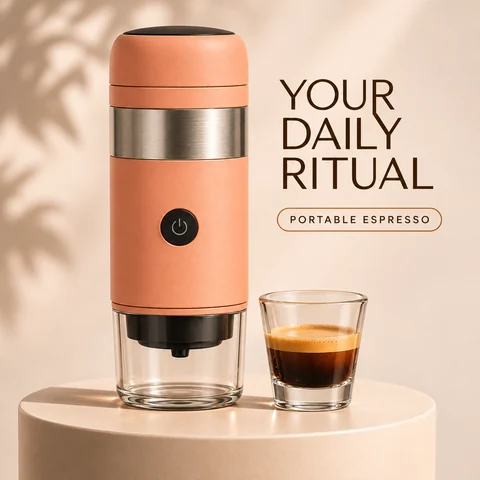
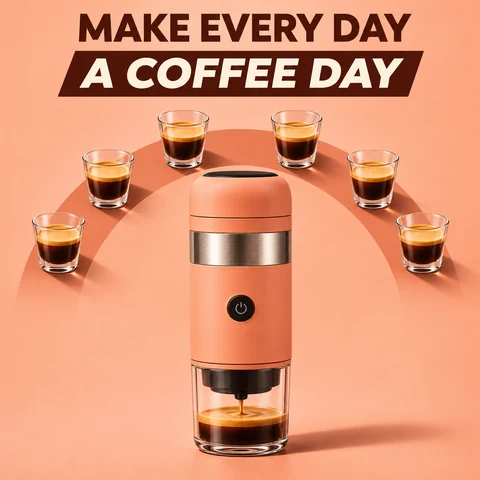
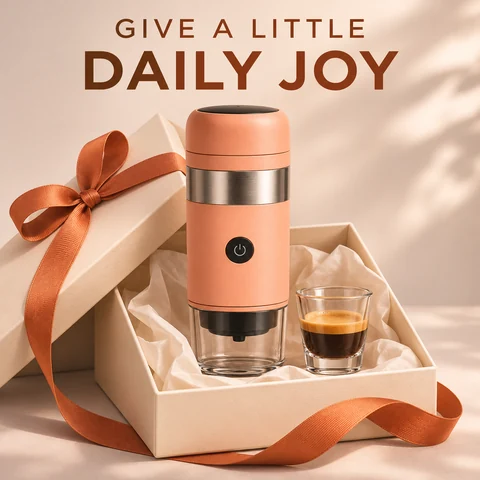
Ad and social media examples
Test your next creative direction
Ad visual variations
Keep the candle and message; explore six visual treatments.
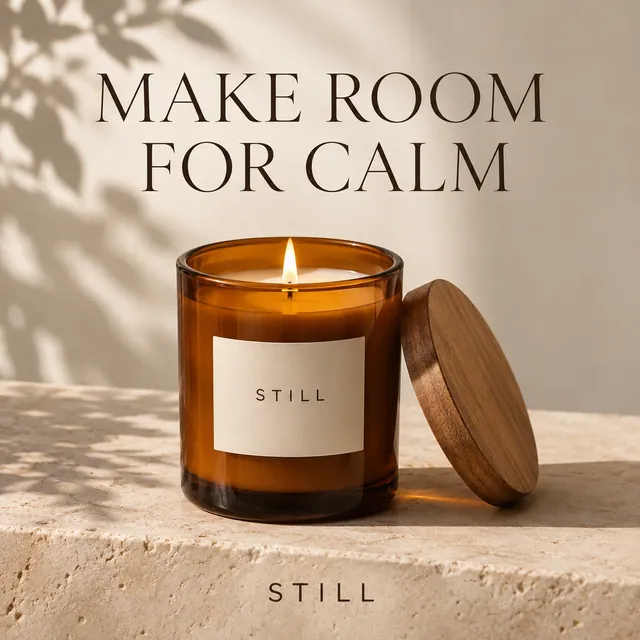
- 01Sculptural daylight
- 02Forest retreat
- 03Warm evening
- 04Soft color blocks
- 05Botanical still life
- 06Monochrome luxury
Ad creative angle testing
One portable espresso maker, six creative angles.
- 01Product precision
- 02Slow mornings
- 03Coffee anywhere
- 04Everyday value
- 05A thoughtful gift
- 06Made for small spaces
Benefit-based ads
A commuter backpack, six everyday reasons to choose it.
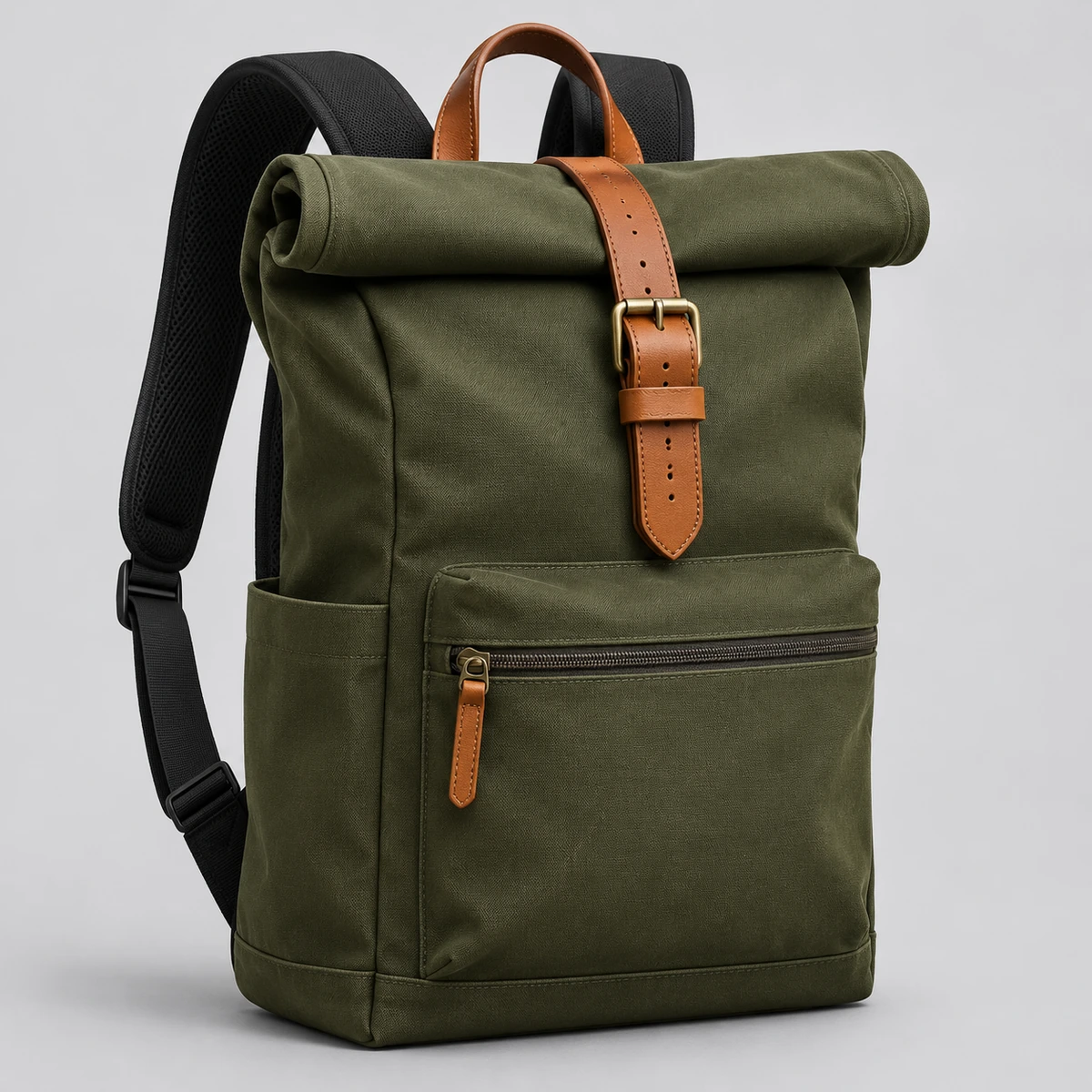
- 01Easy organization
- 02Commute comfortably
- 03Light rain
- 04Work to weekend
- 05Room for your essentials
- 06Lasting style
Audience-specific creatives
One planning service, six audience-specific visual directions.
One planning service, six separate briefs for creators, teams, parents, students, freelancers and coaches.
- 01Independent creators
- 02Small teams
- 03Busy parents
- 04University students
- 05Freelancers
- 06Fitness coaches
Ad creative refresh
Refresh the composition while keeping the same brand and product.
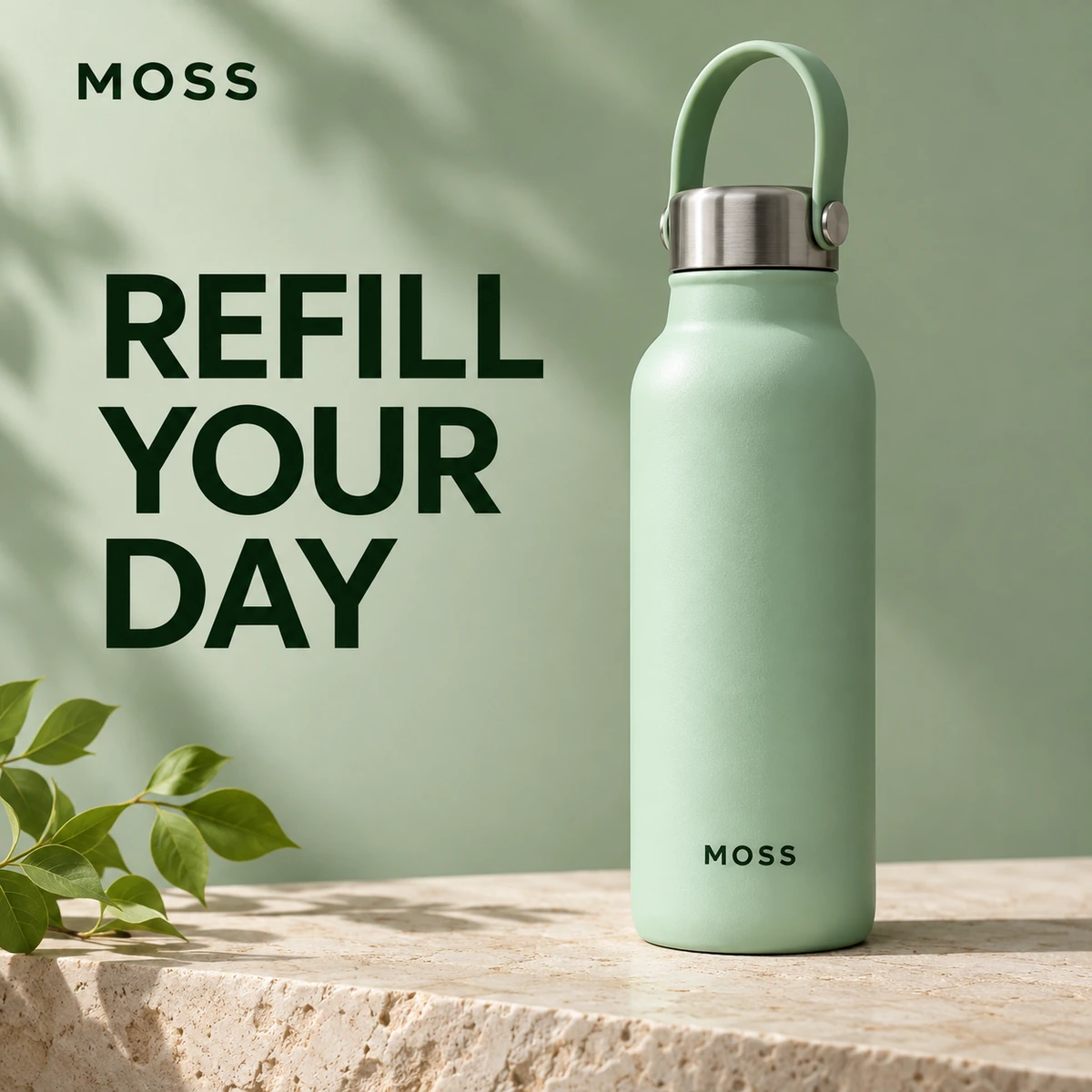
- 01Closer crop
- 02New camera angle
- 03Motion and water
- 04Lifestyle context
- 05Graphic framing
- 06Evening light
Local service ads
Six local businesses, six clear service-led ads.
Six service briefs for local businesses, including cleaning, renovation, fitness and pet grooming.
- 01Home cleaning
- 02Home renovation
- 03Fitness studio
- 04Dental care
- 05Lawn care
- 06Pet grooming
Build a complete campaign
Product launch campaigns
Build a six-image launch sequence for a new desk lamp.
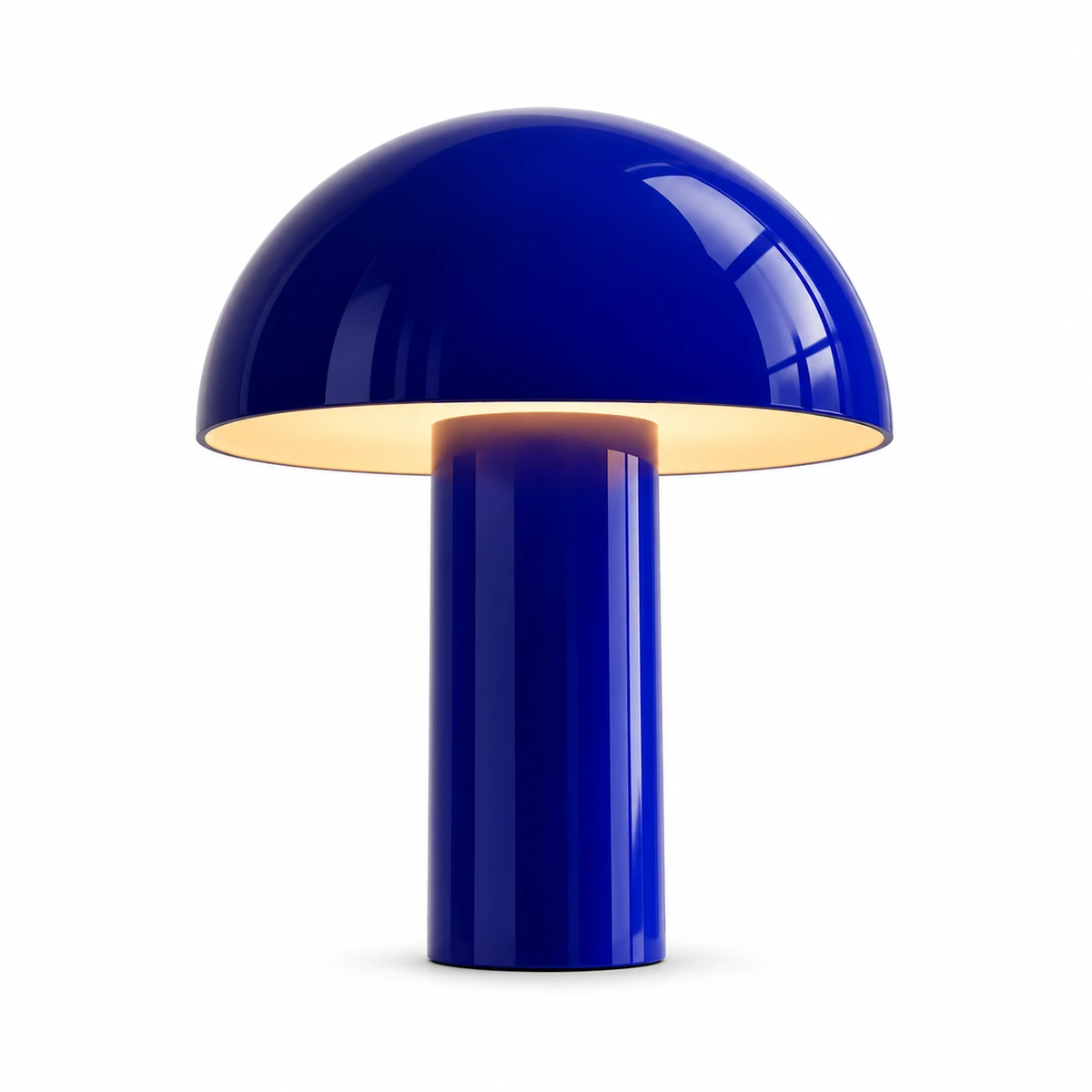
- 01The teaser
- 02The reveal
- 03Material detail
- 04At home
- 05On your desk
- 06Launch day
Seasonal campaigns
A ceramic homeware brand across six seasonal moments.
One homeware brand, six briefs for holidays, collections and seasonal promotions.
- 01Black Friday
- 02Christmas
- 03Valentine’s Day
- 04Mother’s Day
- 05Spring collection
- 06New Year
Sale & promotion graphics
Six clearly different offers for a fictional stationery shop.
One stationery shop, with six separate offers from a weekend sale to free shipping.
- 01Weekend sale
- 02Limited-time offer
- 03End-of-season
- 04Members event
- 05Bundle offer
- 06Free shipping
Event promotion graphics
Six event identities with clear visual hierarchy.
Six event briefs, including live music, a workshop, a seasonal market and a food festival.
- 01Live music
- 02Online workshop
- 03Seasonal market
- 04Community gathering
- 05Design exhibition
- 06Food festival
Email campaign visuals
A coherent set for a skincare brand’s email campaign.
One skincare brand, six visuals for welcome, collection, newsletter, cart reminder, member offer and routine emails.
- 01Welcome email
- 02New collection
- 03Seasonal newsletter
- 04Cart reminder
- 05Member offer
- 06Routine guide
Plan your social content in batches
Instagram carousel graphics
Six coordinated slides for a balcony herb-growing guide.
One balcony herb guide, with a cover and five connected slides in reading order.
- 01Cover slide
- 02Choose the light
- 03Choose your herbs
- 04Leave room to grow
- 05Water thoughtfully
- 06Harvest gently
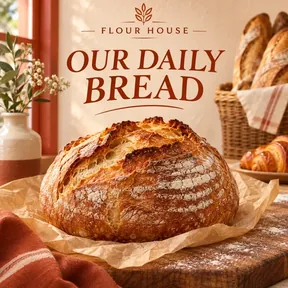
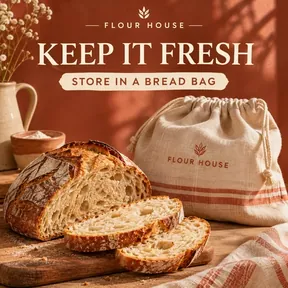
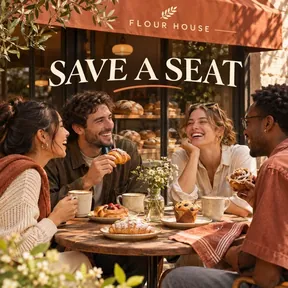
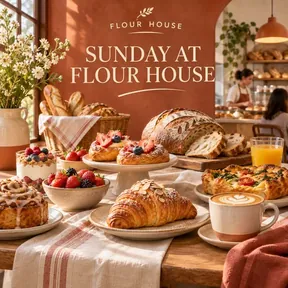
Social media content calendar
A week of posts for one neighborhood bakery.
One bakery identity, six topics for a week of posts, including behind the scenes and Sunday brunch.
- 01Monday ritual
- 02Behind the scenes
- 03Product spotlight
- 04A useful tip
- 05Weekend mood
- 06Sunday brunch
Product spotlight posts
Six posts highlighting a new collection of everyday essentials.
Six separate briefs spotlight the tote, cup, notebook, throw, speaker and sunglasses.
- 01Everyday tote
- 02Ceramic cup
- 03Desk notebook
- 04Soft cotton throw
- 05Portable speaker
- 06Everyday sunglasses
Educational & tips graphics
Turn six desk-setup tips into a coherent visual series.
One desk-setup series, with six tips on light, storage, greenery and making the space yours.
- 01Find your light
- 02Reduce clutter
- 03Keep essentials close
- 04Bring in green
- 05Create a pause
- 06Make it yours
Scale creatives across channels, brands and markets
Multi-platform ad creatives
Explore six placement-specific directions. These examples are square concepts. In the workspace, set each task to a supported ratio for its intended placement.
One running-shoe brief, six placement-specific creative directions. The sample images are all 1:1.
- 01Instagram feed
- 02Facebook campaign
- 03Pinterest inspiration
- 04LinkedIn brand story
- 05Website campaign
- 06Display creative
Multi-brand social content
Six distinct brand briefs, each with its own visual identity.
Six independent briefs with distinct visual identities across skincare, audio, home, drinks, stationery and outdoor brands.
- 01MIRA skincare
- 02VOLT audio
- 03ROOTED home
- 04SPLASH drinks
- 05KINDA stationery
- 06SUMMIT outdoors
Localized marketing graphics
One fictional opening campaign, six localized language editions.
One store-opening campaign, six language editions. Proofread translations, prices and brand names, and check local requirements before publishing.
- 01English edition
- 02German edition
- 03French edition
- 04Spanish edition
- 05Italian edition
- 06Portuguese edition
Multi-location campaigns
One fitness brand, six store-specific campaign visuals.
One fitness brand, six location-specific briefs with different local messages.
- 01Riverside studio
- 02Downtown studio
- 03North Park studio
- 04Harbor studio
- 05West End studio
- 06Garden studio
Batch settings and ad checks
- Batch size and ratios
- Up to 200 tasks per batch and 10 images per task. Set a default ratio and change individual task ratios in the workspace when the model supports them.
- Check campaign copy
- Verify promotions, prices, dates, logos and translations. For text that must be exact, leave room in the image and add approved copy in a design editor.
- Measure in your ad platform
- Shortlist your concepts, then compare impressions, clicks and conversions using a live test.
Advertising and social media FAQs
How do I generate distinct ad concepts instead of minor background changes?
Split the batch by selling point and audience situation: product detail, everyday use, problem solving, or seasonal gifting. Give each row one message and its own subject, visual metaphor, and composition. This creates meaningful creative directions rather than cosmetic color or background changes.
How can different campaigns still look like the same brand?
Keep a consistent palette, texture, lighting approach, and spacing, supported by a suitable brand reference. Vary the campaign content in each row. Apply exact logos, fonts, and color values in a design editor afterward; a reference guides the look but does not lock every brand detail.
How should I prepare feed, story, and banner versions of one campaign?
Start with a batch ratio, then choose a supported aspect ratio for each task that needs a feed, story, or banner layout. Give each placement its own framing and space for text. The multi-platform sample starts with six square directions.
Should promotional prices, discounts, and headlines be generated inside the image?
You can try short text, but check every price, date, and word. For frequently changing offers, generate the main visual with space reserved for copy, then add the final text in a design editor. That makes consistent typography and later offer updates easier.
For ad testing, when should I use several outputs per prompt or separate prompts?
Several outputs from one row give you alternatives within the same brief. Separate prompt rows let you define different audiences, messages, or compositions. To test one variable, keep the other requirements stable, label the variants, and check that the generated images actually follow that distinction.
Will the generator identify which ad will get the best click-through rate?
The generator does not validate campaign performance from an image. Use it to produce and shortlist candidates, then test clicks and conversions on your advertising platform. Review brand accuracy, copy, and placement fit before using actual campaign data to choose winning creatives.
How much does it cost to generate six ad creatives?
The estimate depends on the model, resolution, number of outputs, prompts and reference photos. Load the six tasks and check the estimated total before generating.
Can I download all campaign images and their prompts together?
Yes. Download completed images as a ZIP with prompts.csv, which records each task number, output file name and prompt. Use the CSV to find and reuse the prompt associated with an image.