AI Illustration & Print Design Generator
Generate matching illustration sets, stickers, coloring pages, and print designs in bulk.
Custom art style
One style reference, six different illustrations
Use the same reference for palette, brushwork, and paper texture. Describe a different subject in every prompt, then compare the resulting images as a set.
- 1 style referencePalette, brushwork, and paper texture
- 6 separate promptsA watering can, gloves, shears, and other garden objects
- 6 individual illustrationsReview the motifs together before you export
Garden illustrations from a style reference
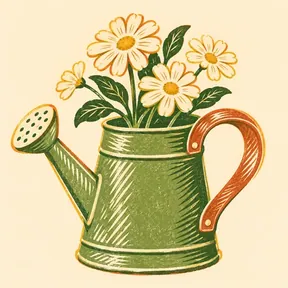
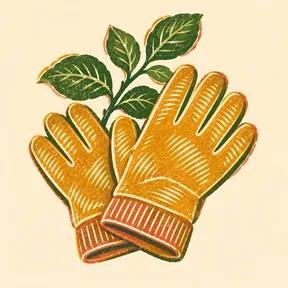
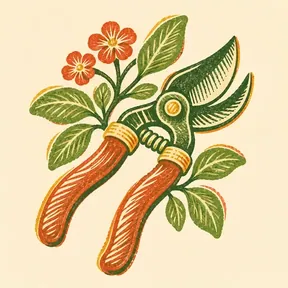
One style reference guides six different garden motifs, sharing palette, carved linework and print texture.
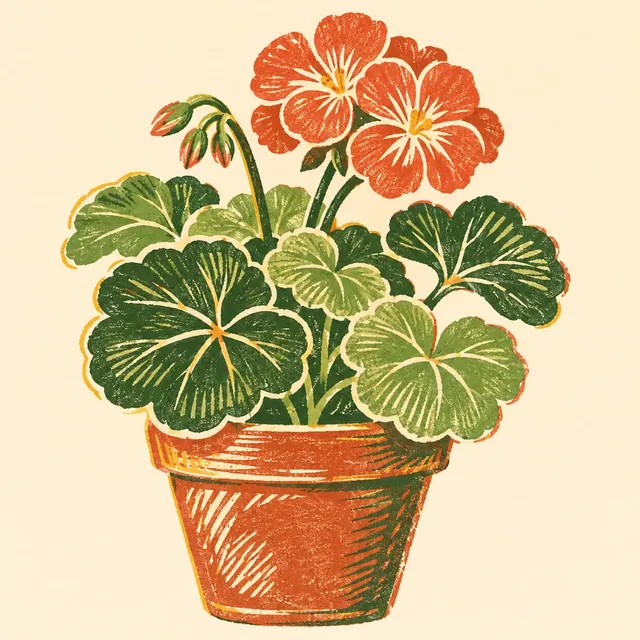
- 01Watering can
- 02Garden gloves
- 03Pruning shears
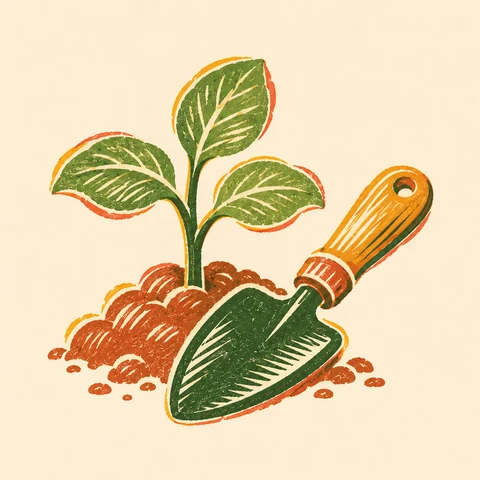
- 04Hand trowel
- 05Seed packet
- 06Flower basket
Build an illustration and clipart collection
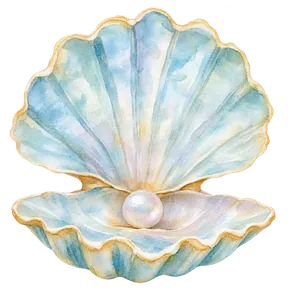
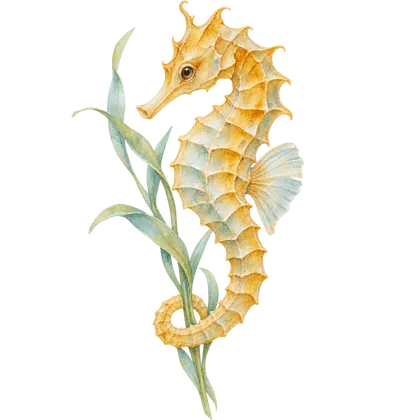
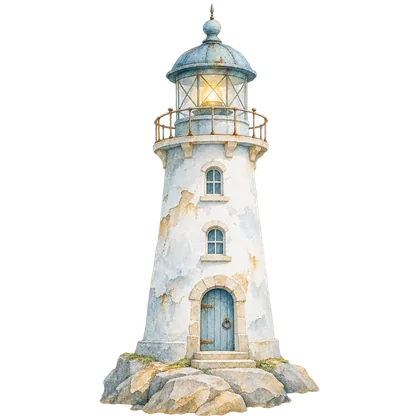
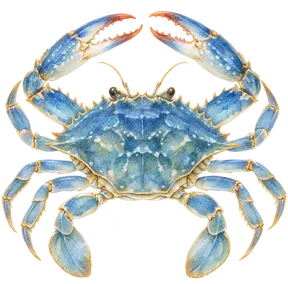
Repeat a shared watercolor direction for six separate motifs. Open a sample to compare transparent edges on different backgrounds.
Watercolor clipart bundles
Coastal watercolor motifs with a shared palette and transparent sample files.
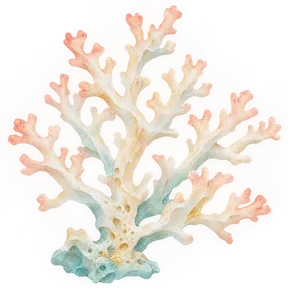
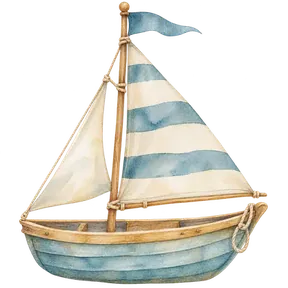
Six separate coastal motifs share translucent blue and sea-glass watercolor, with soft pigment edges and sandy ochre accents.
- 01Scallop & pearl
- 02Seahorse & seagrass
- 03Coastal lighthouse
- 04Blue crab
- 05Coral branch
- 06Striped sailboat
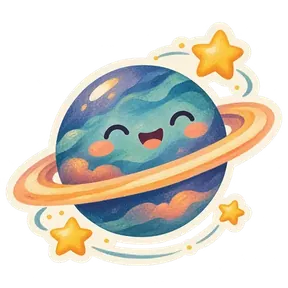
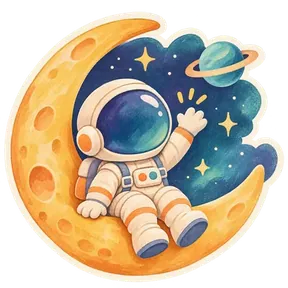
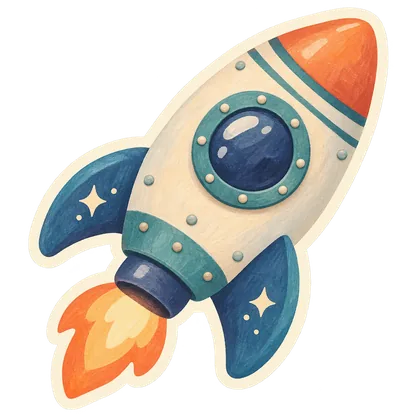
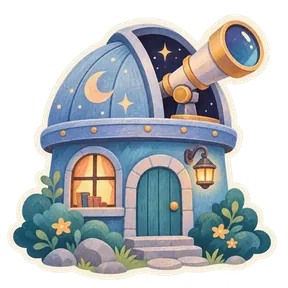
Sticker design packs
Six playful space-exploration stickers with matching outlines and colors.
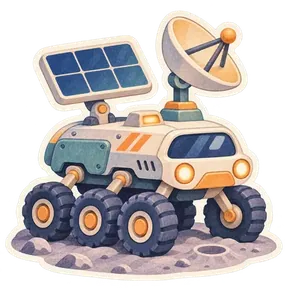
Six space motifs use one indigo, teal, and apricot palette with the same ivory outline. Prepare any production cut paths separately.
- 01Ringed planet
- 02Moon astronaut
- 03Mini rocket
- 04Star observatory
- 05Lunar rover
- 06Shooting comet
Christmas watercolor clipart set
A coordinated set of six watercolor Christmas motifs.
Six Christmas motifs in vintage watercolor, sharing evergreen, cranberry, cream, and antique gold.
- 01Wrapped Christmas gifts
- 02Evergreen Christmas wreath
- 03Vintage red ornament
- 04Knitted Christmas stocking
- 05Gingerbread house
- 06Christmas tree in a basket
Create coloring pages and wall art
Inspect each page at full size and check the outer margins before laying out a book or preparing a print.
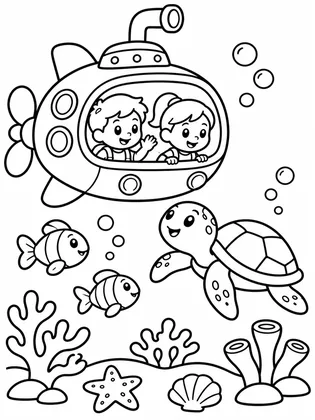
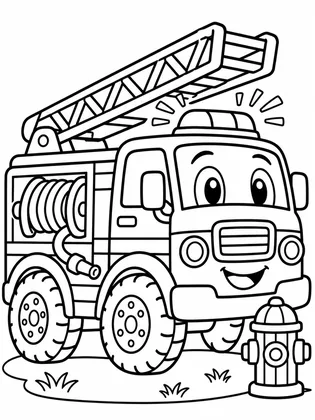
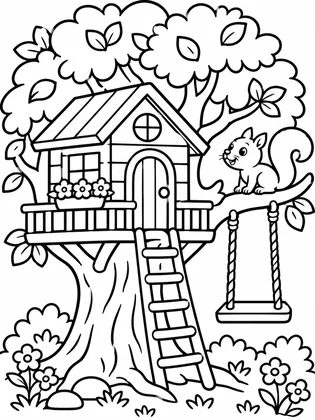
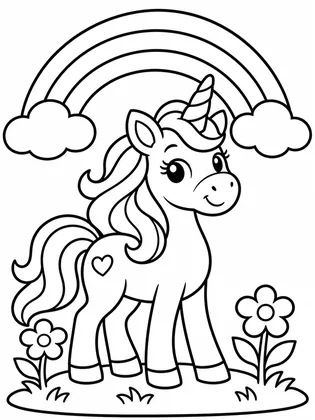
Kids coloring book pages
Six black-and-white pages featuring animals, space, and fairy tales.
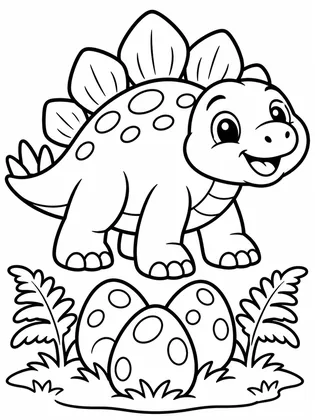
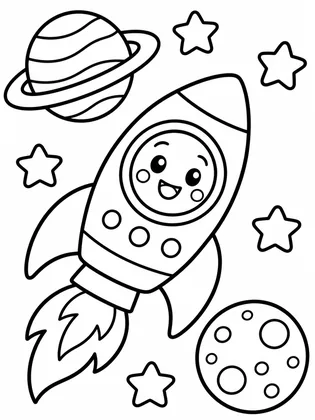
Six portrait line drawings with bold closed outlines, large coloring areas, and room near the page edge.
- 01Dinosaur & eggs
- 02Space journey
- 03Undersea submarine
- 04Fire engine
- 05Forest treehouse
- 06Unicorn & rainbow
Adult coloring pages
Six intricate line-art compositions inspired by flowers, architecture and nature.
Six portrait designs with finer black lines and clearly separated coloring areas.
- 01Botanical moth
- 02Petal mandala
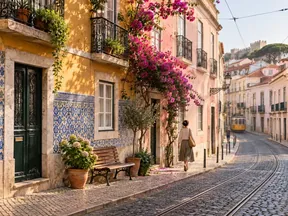
- 03Seaside old street
- 04Woodland fox
- 05Coral sea turtle
- 06Art Nouveau vase
Printable wall art
Six coordinated Mediterranean-inspired prints, shown as artwork without frames.
A 2:3 series of Mediterranean subjects in matte gouache. Choose the printed size and verify pixels and borders before framing.
- 01Lemon branch
- 02Olive branch
- 03Sun over the sea
- 04Coastal palm
- 05Terracotta arch
- 06Wildflowers in a vase
Explore print-on-demand design concepts
Start with a coordinated T-shirt collection. Open the apparel and mug templates for motifs suited to different placements.
Bulk T-shirt graphics
Six outdoor prints inspired by camping, mountains, waves, and starry skies.
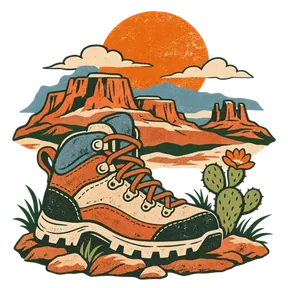
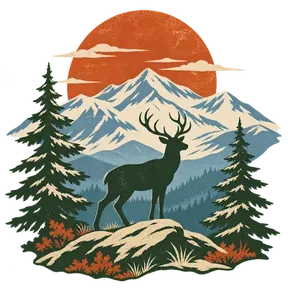
Six outdoor motifs use a limited retro ink palette, readable silhouettes, and transparent exteriors.
- 01Mountain campsite
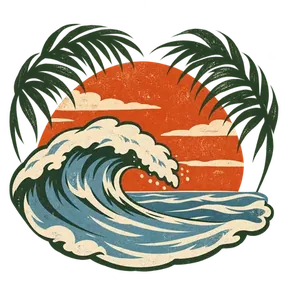
- 02Coastal wave
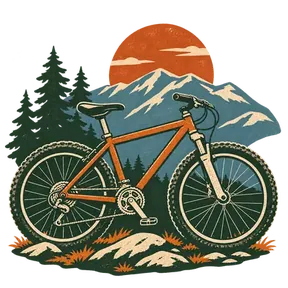
- 03Mountain cycling
- 04Desert hiking
- 05Starlit camp
- 06Alpine deer
Apparel collection graphics
Six botanical graphics with one consistent engraved-ink style.
Six botanical motifs share one engraved indigo line style. Place them using the garment’s print area.
- 01Camellia branch
- 02Ginkgo leaves
- 03Unfurling fern
- 04Magnolia bloom
- 05Pomegranate branch
- 06Wild chrysanthemum
Mug & tumbler artwork concepts
Six wide, flat illustrations for mug and tumbler layouts.
Six widescreen gouache concepts share warm ivory paper and muted accents. The final crop depends on the specific mug or tumbler.
- 01Coffee time
- 02Cats at leisure
- 03Happy dogs
- 04Wildflower garden
- 05Winter gifts
- 06Autumn tea
Start with flat artwork. Place it into the manufacturer’s product template, then check the print area, seam, and clearance around the handle.
Coordinate party and craft illustrations
Keep the same palette and watercolor technique across wedding invitations, decorative frames, ribbons, and other elements.
Wedding clipart sets
Six matching floral and ribbon motifs for wedding stationery concepts.
Six coordinated botanical and ribbon motifs share ivory roses, champagne tones, and soft sage foliage.
- 01Bridal bouquet
- 02Floral arch
- 03Invitation corner
- 04Oval floral frame
- 05Champagne bow
- 06Floral garland
Baby shower clipart
Six soft watercolor motifs for a coordinated baby-shower collection.
Six nursery watercolor motifs repeat soft beige, cream, misty blue, and pale sage.
- 01Moon elephant
- 02Balloon teddy
- 03Basket bunny
- 04Cloud rainbow
- 05Baby booties
- 06Vintage pram
Birthday party graphics
Six cheerful dinosaur-party motifs with one coordinated hand-painted look.
Six dinosaur birthday elements use rounded gouache shapes and the same sage, teal, apricot, and yellow palette.
- 01Dinosaur birthday cake
- 02Party balloons
- 03Triceratops guest
- 04Birthday gifts
- 05Dinosaur bunting
- 06Sauropod celebration
Check your files before printing
Use your printer’s template when preparing the final files.
- File format and edges
- Static images download in their returned PNG, JPEG, or WebP format. Inspect the alpha channel where transparency is required. Prepare sticker cut paths separately.
- Pixel dimensions and print size
- Check pixel dimensions at the intended physical size. Then confirm bleed, safe margins, and color profile with your printer.
- A 10 × 10 in print at 300 PPI needs 3000 × 3000 pixels.
Check the requirements for the specific print area or product. Printful file guide · Printify size guide
Illustration and print asset FAQs
What should I check before selling products with AI-generated illustrations?
Check the terms of the selected model, BulkIMG Flow, and your selling or print platform. Make sure you have permission to use any source images, trademarks, characters, or likenesses in the artwork. Copyright treatment can vary by jurisdiction.
Can I download each design as a separate file?
Download each completed image separately or export a ZIP of selected results. The ZIP includes a prompts.csv that maps filenames to their tasks and prompts. Files keep the returned raster format.
Can I use one illustration as a style reference for a new collection?
Use the garden template to load one shared reference into Image Variations. Describe a different subject in each prompt and specify the palette, brushwork, and texture you want to reuse. Inspect the set to catch unwanted details carried over from the reference.
How do I generate separate, complete elements for a clipart bundle?
Give each element its own task and request a single centered subject, a complete outline, space around the edges, and no collage. Keep the aspect ratio and background requirements consistent. Generate bouquets, animals, and decorative frames separately instead of listing the whole bundle in one prompt.
Does asking for a transparent background guarantee a print-ready transparent PNG?
The clipart and sticker samples marked transparent have a verified alpha channel. Generated results depend on the model and output. Check the alpha channel and edges on light and dark backgrounds. Prepare any sticker cut path and final print file separately.
Are generated images automatically suitable for large 300 DPI prints?
Check pixel dimensions against the intended print size rather than only changing a DPI label. A 10 × 10 inch print at 300 pixels per inch needs 3000 × 3000 pixels. Choose a suitable available generation size, upscale and inspect if needed, then prepare bleed, color, and file format to your printer’s specification.
How do I make coloring pages that are actually usable for coloring?
For children, request bold closed outlines, large open spaces, and limited detail. Adult pages can be more intricate but should still use black-and-white linework without gray shading. Check broken lines, extra limbs, and unclosed regions, then test-print at the intended paper size and repair the linework before layout.
Can one themed design be reused unchanged on shirts, totes, and mug wraps?
Reuse the theme, but adapt the layout: shirts and totes often need a focused composition, while mug wraps need a wide layout with space near the handle and seam. Generate flat artwork for each product, then check size, position, and printable areas in the supplier’s template rather than printing a mockup.